

Description
Bulk Image Downloader Excel – Downloadable Digital Tool
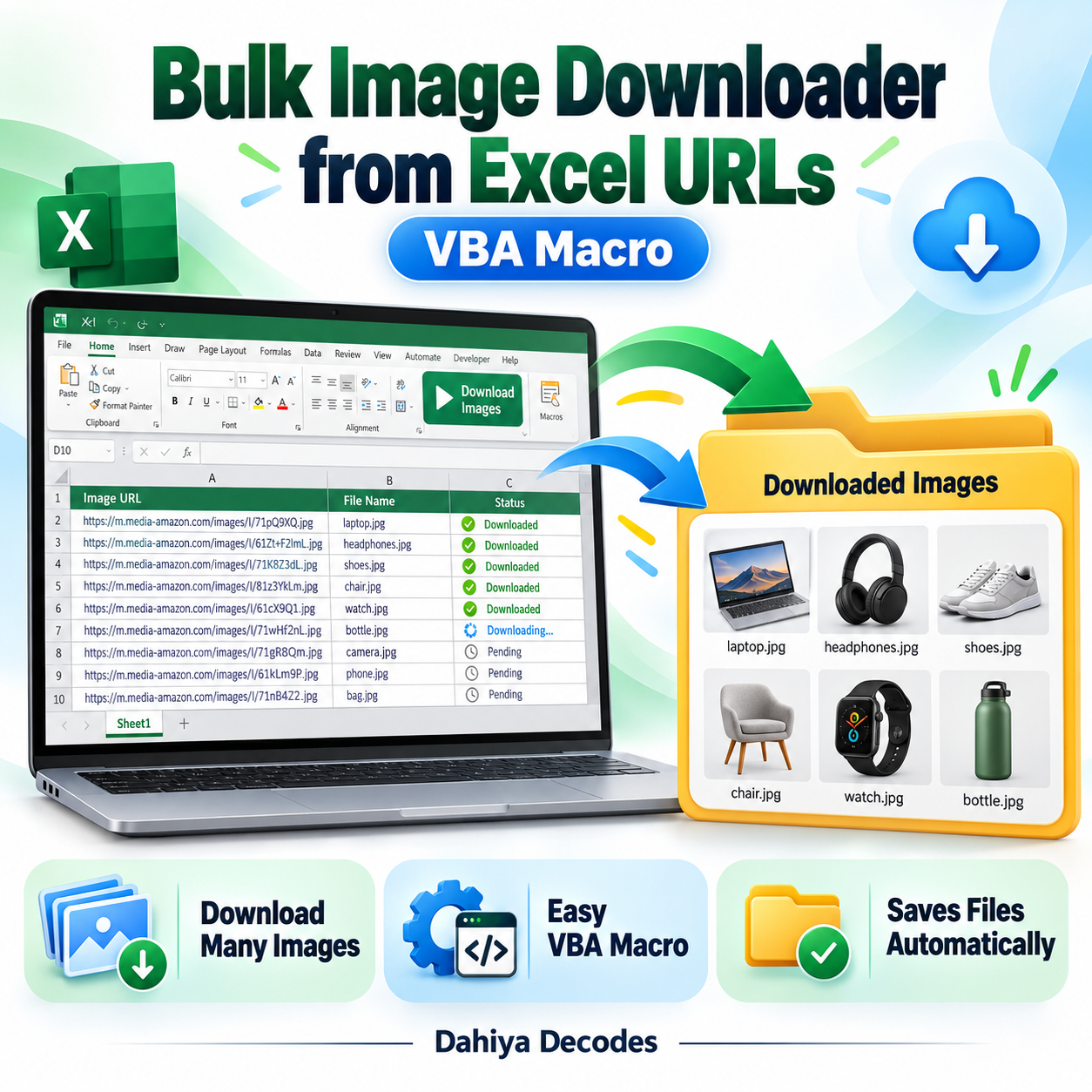
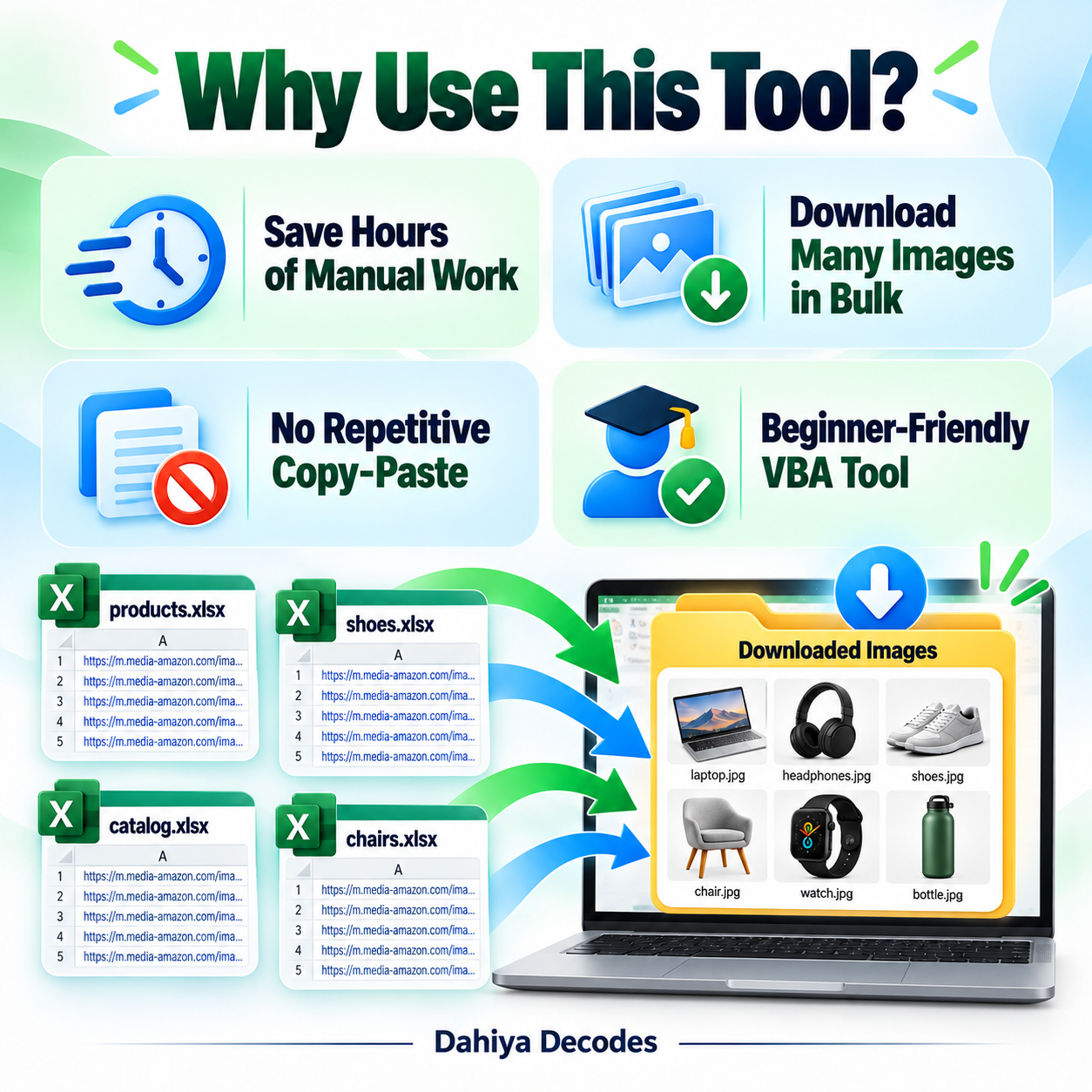
Bulk Image Downloader from Excel URLs – VBA Macro helps with supplier image collection, eCommerce product photo preparation, catalog enrichment and spreadsheet-driven asset gathering with permission to download. Use URL and filename columns in Excel to download batches of images into a local folder with custom names. The digital product is a downloadable .xlsm (Excel macro) file intended for users comfortable with the stated software requirements.
What This Tool Does
- Read direct image URLs from column A
- Use column B to determine local filenames
- Select a destination folder before processing
- Save returned image bytes to individual files
- Mark failed HTTP requests in column C
How to Use This Tool
- Open the macro-enabled workbook in Microsoft Excel for Windows.
- Replace the sample image links and filenames with your own authorized links in columns A and B on Sheet1.
- Open Developer > Macros or press Alt+F8 and run DownloadImages.
- Select the folder where image files should be saved.
- After the macro finishes, review the destination folder and any errors in column C.
File Format, Input and Requirements
- File format: .xlsm (Excel macro)
- Compatible platform: Microsoft Excel desktop for Windows
- Requirements: Excel VBA, internet connection and access to image URLs
- Input: Column A: direct image URL; column B: desired filename without extension; start on row 2 of Sheet1
- Output: Downloaded files named <your-name>.jpg in the folder selected at runtime; column C may show Failed to download
Before You Run It
Important: the current VBA source forces a .jpg extension for all downloaded files, regardless of source image format. It does not convert the underlying image data to JPEG, so PNG/WEBP files can receive misleading extensions. It can overwrite an existing filename and only checks HTTP 200. Test image formats and remove included sample URLs before resale.
Microsoft may block downloaded VBA macros by default. Review the code and follow your organization’s security policy; never enable macros from an untrusted source.
Where It Helps
For product catalogs, use SKU- or listing-ID-based filenames and check the file type before uploading the downloaded assets.
Frequently Asked Questions
Can I choose the image names?
Yes. Enter each desired base name in column B.
Does it preserve PNG or WebP formats?
No. It currently saves downloaded bytes with a .jpg file extension regardless of source format.
Can I pick a download folder?
Yes. A folder picker opens when you run the macro.
Delivery and Support
This is a digital product; no physical shipment is included. A working downloadable file must be attached to the WooCommerce product before it is published for sale. Confirm your software compatibility and review all cautions before purchase. Product functionality depends on your local setup and any external services involved.

Reviews
There are no reviews yet.