
Description
Batch Rename Files By Folder Name – Downloadable Digital Tool
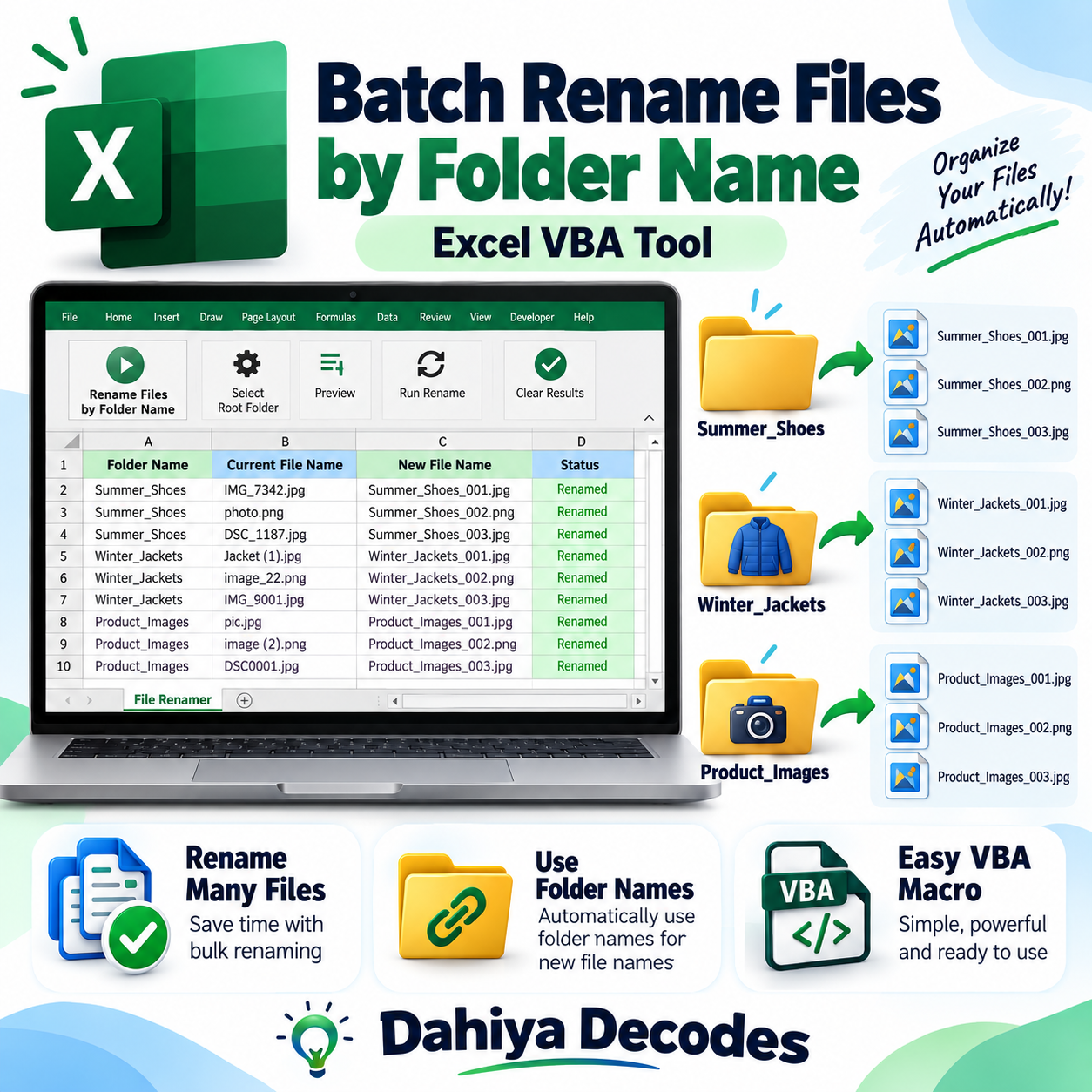
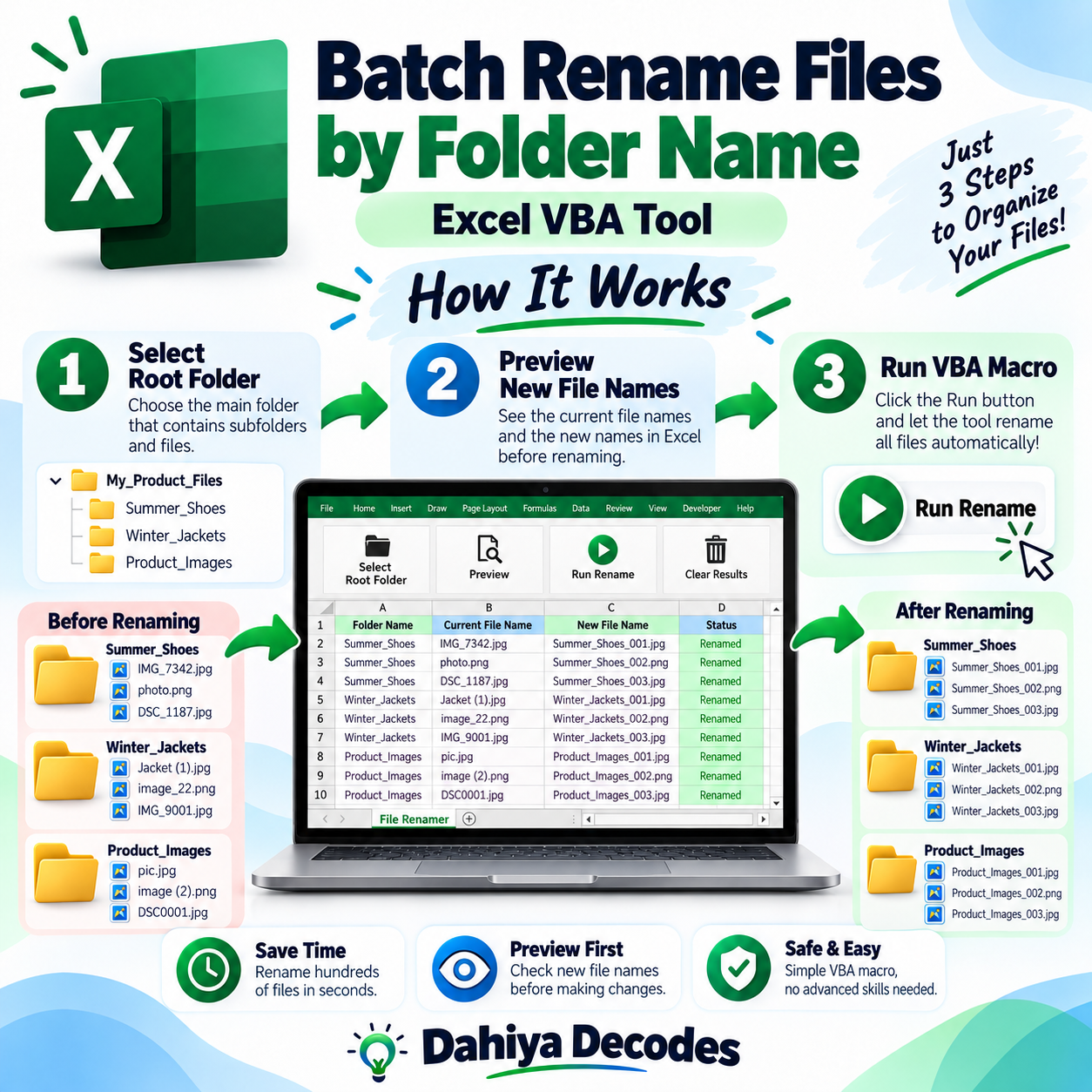
Batch Rename Files by Folder Name – Excel VBA Tool helps with organizing product photos, supplier documents, inventory assets and other folders that must have identifiable file names. Rename files in immediate subfolders using a folder-based naming pattern, then collect renamed copies in one location. The digital product is a downloadable .xlsm (Excel macro) file intended for users comfortable with the stated software requirements.
What This Tool Does
- Select a root folder containing subfolders
- Rename files with a <subfolder>_<number>.<extension> convention
- Copy renamed files into an All Files folder
- Handle common file extensions automatically
- Log some errors with subfolder name, original file name and timestamp in Excel
How to Use This Tool
- MAKE A BACKUP of the complete folder tree before starting; the macro renames original files.
- Open the macro-enabled workbook in desktop Microsoft Excel for Windows.
- Open Developer > Macros (Alt+F8), then run RenameAndCopyFiles_Fixed.
- Select the root folder containing the subfolders to process.
- After processing, inspect the renamed originals, the All Files folder and any error log on Sheet1.
File Format, Input and Requirements
- File format: .xlsm (Excel macro)
- Compatible platform: Microsoft Excel desktop for Windows
- Requirements: Excel macros and local folder read/write access
- Input: A root folder containing immediate child folders and files inside those child folders
- Output: Renamed ORIGINAL files within child folders, plus copies in a newly created All Files folder
Before You Run It
This tool MOVES/RENAMES original files, not just copies. It can DELETE an existing destination filename and OVERWRITE the collection copy. It processes only files in immediate subfolders, not deeper nested directories. File order determines numbering and may change between runs; test on duplicates only.
Microsoft may block downloaded VBA macros by default. Review the code and follow your organization’s security policy; never enable macros from an untrusted source.
Where It Helps
Use a test folder copy for image catalog reorganizations, and check naming results before moving them to your live asset library.
Frequently Asked Questions
Does it change my original files?
Yes. The code renames the actual source files and then copies them to All Files.
Will it search nested folders?
No. It processes immediate subfolders of the selected root.
Can it overwrite an existing name?
Yes. The current script may delete or overwrite matching destination files.
Delivery and Support
This is a digital product; no physical shipment is included. A working downloadable file must be attached to the WooCommerce product before it is published for sale. Confirm your software compatibility and review all cautions before purchase. Product functionality depends on your local setup and any external services involved.

Reviews
There are no reviews yet.