
Description
Python Image Canvas Resizer – Downloadable Digital Tool
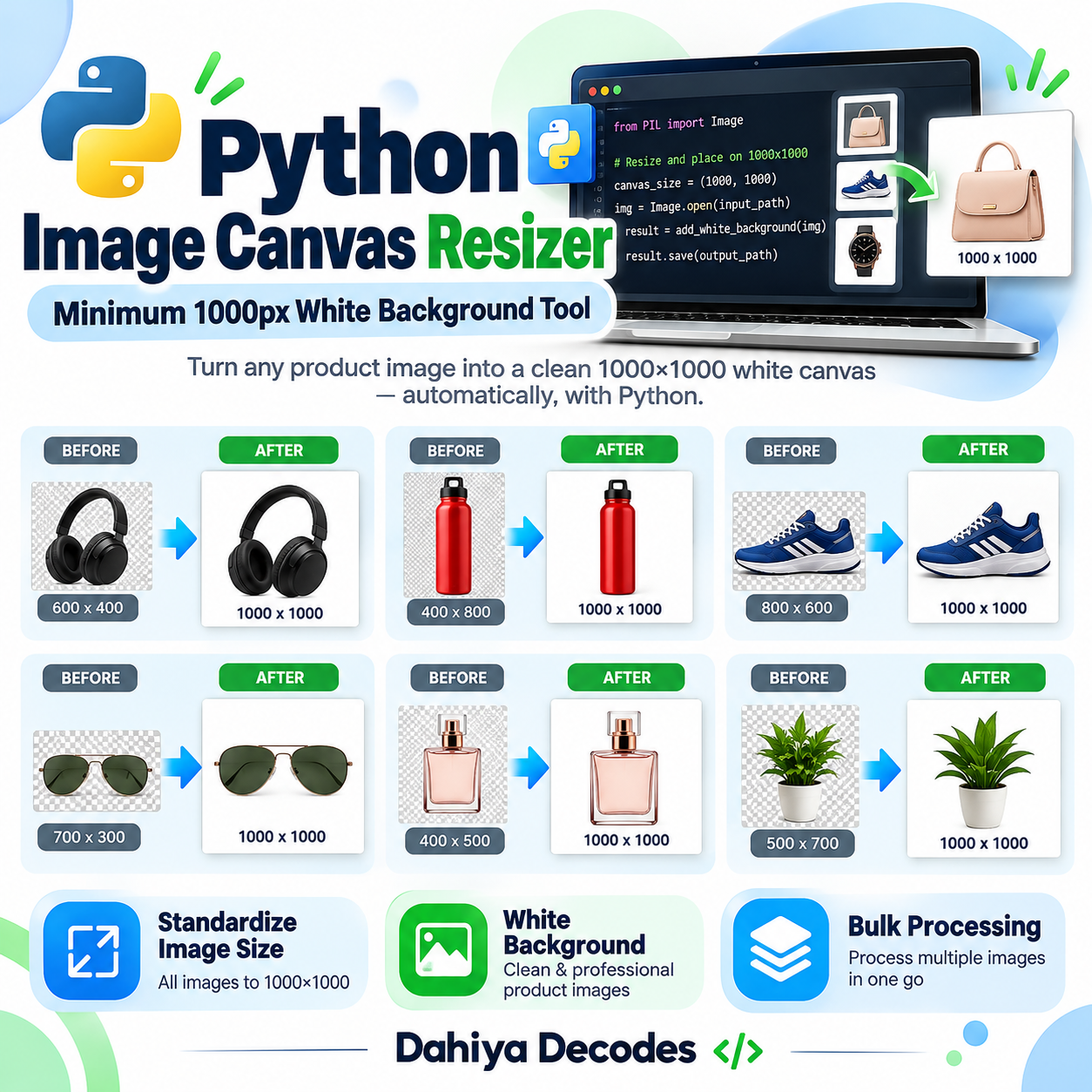
Python Image Canvas Resizer – Minimum 1000 × 1000 px helps with preparing consistent minimum-dimension product images, marketplace photos and catalog assets without stretching the original artwork. Expand small images onto a centered canvas so the resulting image is at least 1000 pixels wide and 1000 pixels high. The digital product is a downloadable .py (Python source script) file intended for users comfortable with the stated software requirements.
What This Tool Does
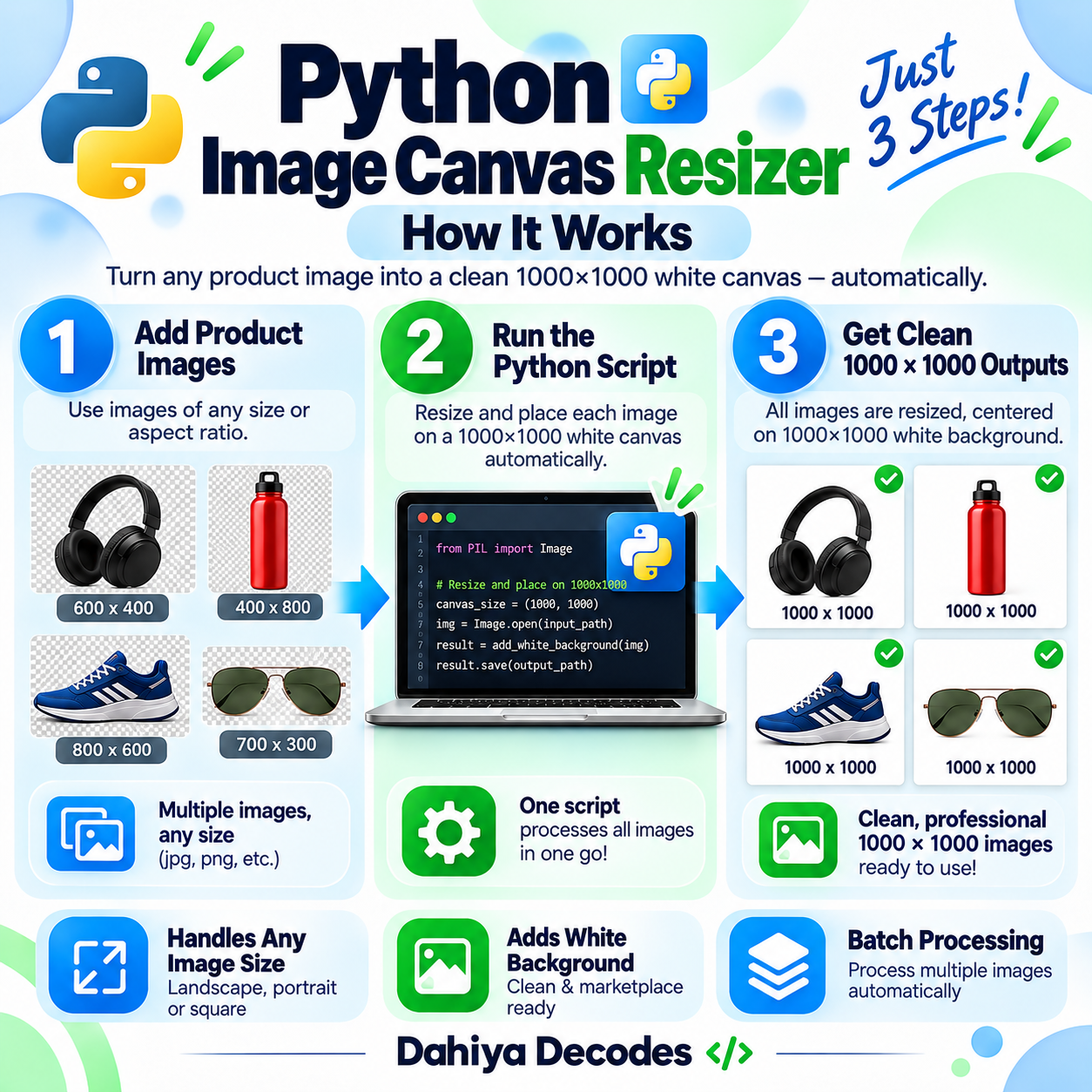
- Batch-process image files in a configured local input folder
- Preserve image dimensions when already at least 1000 × 1000
- Center images on a larger canvas without stretching them
- Use white padding for opaque images and transparent padding for alpha images
- Write output images and a processing log into the output folder
How to Use This Tool
- Install Python 3 and Pillow on your computer using: pip install pillow.
- Open the .py file in a text editor and change input_folder and output_folder to real local folder paths.
- Create a backup of the input image files.
- Run the script with: python “script-name.py”.
- Open the configured output folder and check the adjusted image dimensions and output_log.txt.
File Format, Input and Requirements
- File format: .py (Python source script)
- Compatible platform: Windows, macOS or Linux with Python 3
- Requirements: Python 3 and Pillow (pip install pillow)
- Input: A local folder with PNG, JPG, JPEG, BMP, TIFF or GIF files
- Output: Files with the original names placed into a configured output folder; output_log.txt records results
Before You Run It
This script has hard-coded paths that MUST be edited first. It adds padding rather than resizing image content. For transparent files it uses a transparent canvas, not white; existing images meeting both minimum dimensions are simply saved. GIF animation, color profiles and unusual formats are not guaranteed to be preserved. Outputs with existing filenames can be overwritten.
Where It Helps
Useful for creating a minimum-dimension image canvas without enlarging the underlying product photo or reducing perceived sharpness.
Frequently Asked Questions
Does it stretch product images?
No. It centers them within a larger canvas only when a dimension is below the minimum.
Will it make a white background for transparent PNGs?
Not currently. Images with transparency receive a transparent padded canvas.
Can I choose an input folder on launch?
No. You edit two folder path variables inside the .py file before running it.
Delivery and Support
This is a digital product; no physical shipment is included. A working downloadable file must be attached to the WooCommerce product before it is published for sale. Confirm your software compatibility and review all cautions before purchase. Product functionality depends on your local setup and any external services involved.


Reviews
There are no reviews yet.