Description
Whatsapp Excel Message Sender – Downloadable Digital Tool
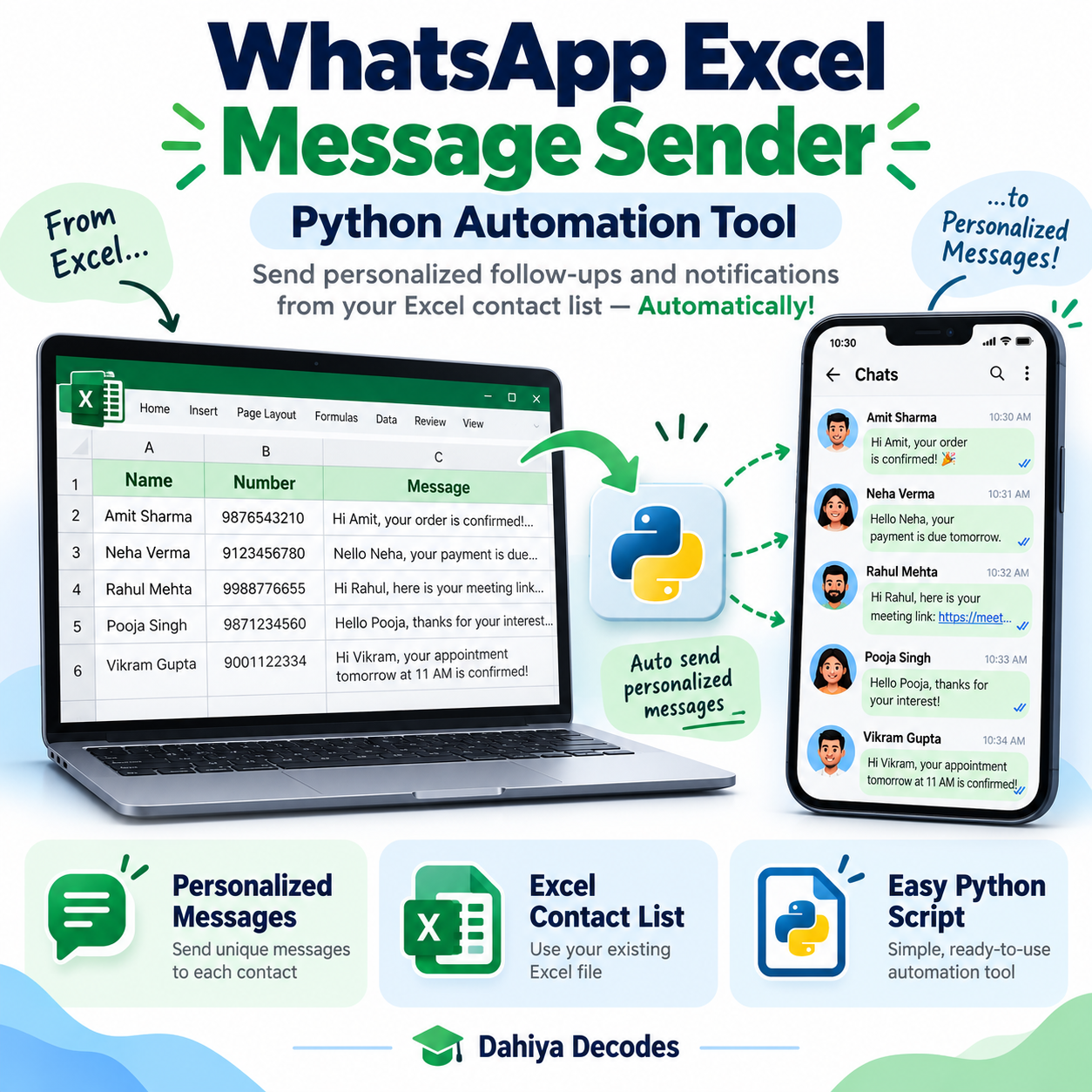
WhatsApp Web Message Sender from Excel – Python Script helps with developers evaluating consent-based WhatsApp messaging workflows and learning spreadsheet-driven browser automation on authorized contact lists. An editable Python script that reads phone numbers and personalized messages from an Excel workbook and attempts sends through WhatsApp Web. The digital product is a downloadable .py (Python source script) file intended for users comfortable with the stated software requirements.
What This Tool Does
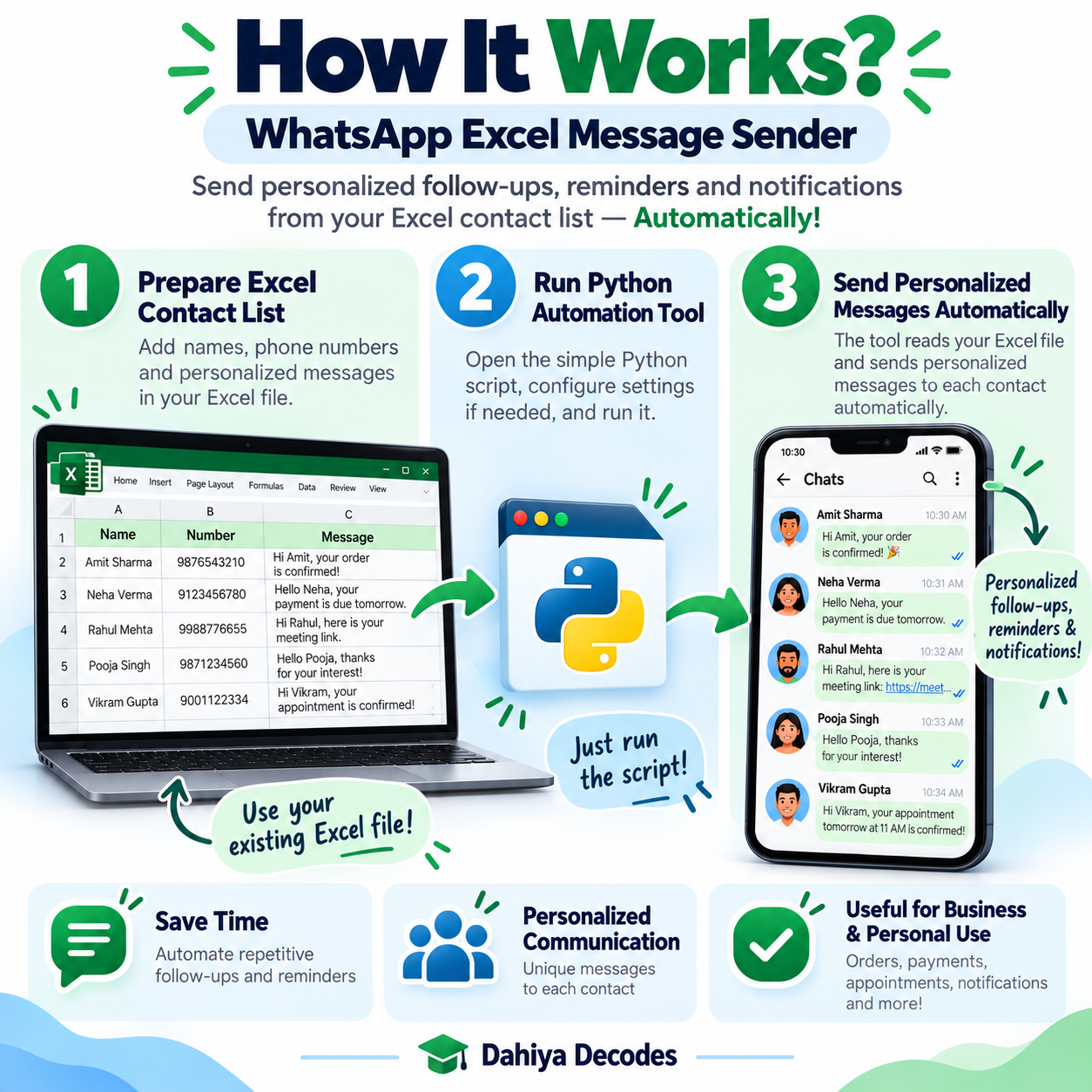
- Load an .xlsx sheet containing numbers and message text
- Choose the phone-number and message columns interactively
- Sign in to WhatsApp Web by QR code
- Attempt one message at a time via browser automation
- Write row-level processing comments back to the input workbook
How to Use This Tool
- Before use, obtain and document appropriate opt-in permission for every intended recipient; review WhatsApp policies.
- Install Python 3, Google Chrome, and dependencies: pip install pandas selenium openpyxl.
- Create an .xlsx contact workbook with phone numbers in international format and the specific message authorized for each recipient.
- Run the Python script, enter the path to the spreadsheet and select the phone and message columns.
- Scan the WhatsApp Web QR code yourself, type done after login, and review the saved Comment column after processing.
File Format, Input and Requirements
- File format: .py (Python source script)
- Compatible platform: Windows, macOS or Linux with Python 3 and Chrome
- Requirements: Python 3, pandas, selenium, openpyxl, Chrome and a WhatsApp account
- Input: An .xlsx file with a phone-number column and a message column; users choose both columns at runtime
- Output: Updated Excel workbook with a Comment column containing local script outcomes, not verified delivery receipts
Before You Run It
IMPORTANT: This is NOT an official WhatsApp API integration or approved bulk messaging service. WhatsApp may restrict automated or unsolicited messaging and accounts may be banned. The code checks for an editable message box and presses Enter; it cannot confirm actual delivery. It does not enforce opt-in, validate country codes or verify that numbers exist. Existing nonblank Comment rows are skipped, and the input workbook is modified in place. Manual review and policy compliance are required before any public sale.
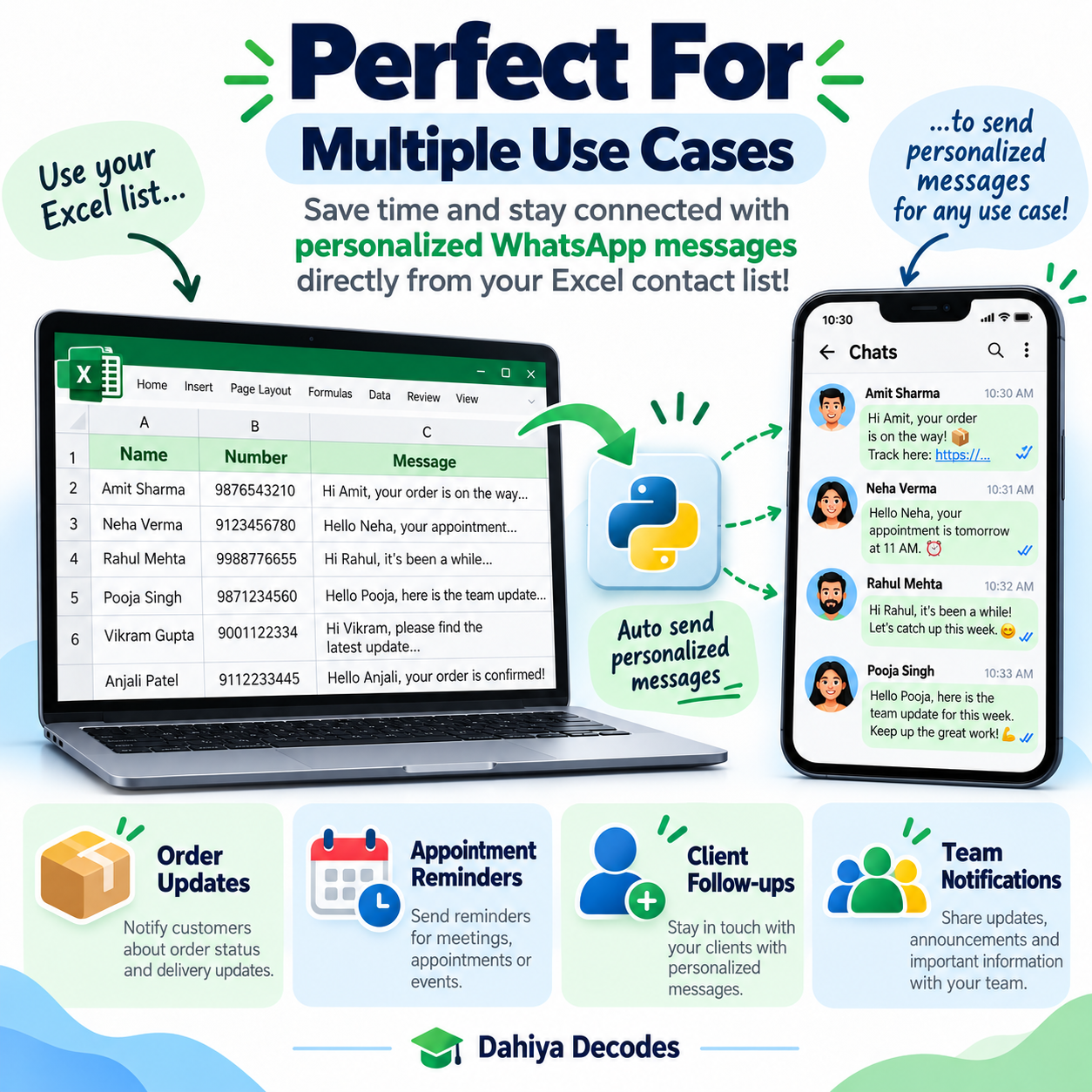
Where It Helps
For production business messaging, the authorized WhatsApp Business Platform is more appropriate than unattended WhatsApp Web automation.
Frequently Asked Questions
Is this an official WhatsApp Business API solution?
No. It drives the WhatsApp Web interface in Chrome using Selenium.
Does a successful status confirm delivery?
No. It only means the script reached the message box and attempted to send.
Can it be used for unsolicited contact lists?
No. Use only with documented recipient consent and in accordance with applicable policies and law.
Delivery and Support
This is a digital product; no physical shipment is included. A working downloadable file must be attached to the WooCommerce product before it is published for sale. Confirm your software compatibility and review all cautions before purchase. Product functionality depends on your local setup and any external services involved.

Reviews
There are no reviews yet.