Description
Excel Bulk Url Checker – Downloadable Digital Tool
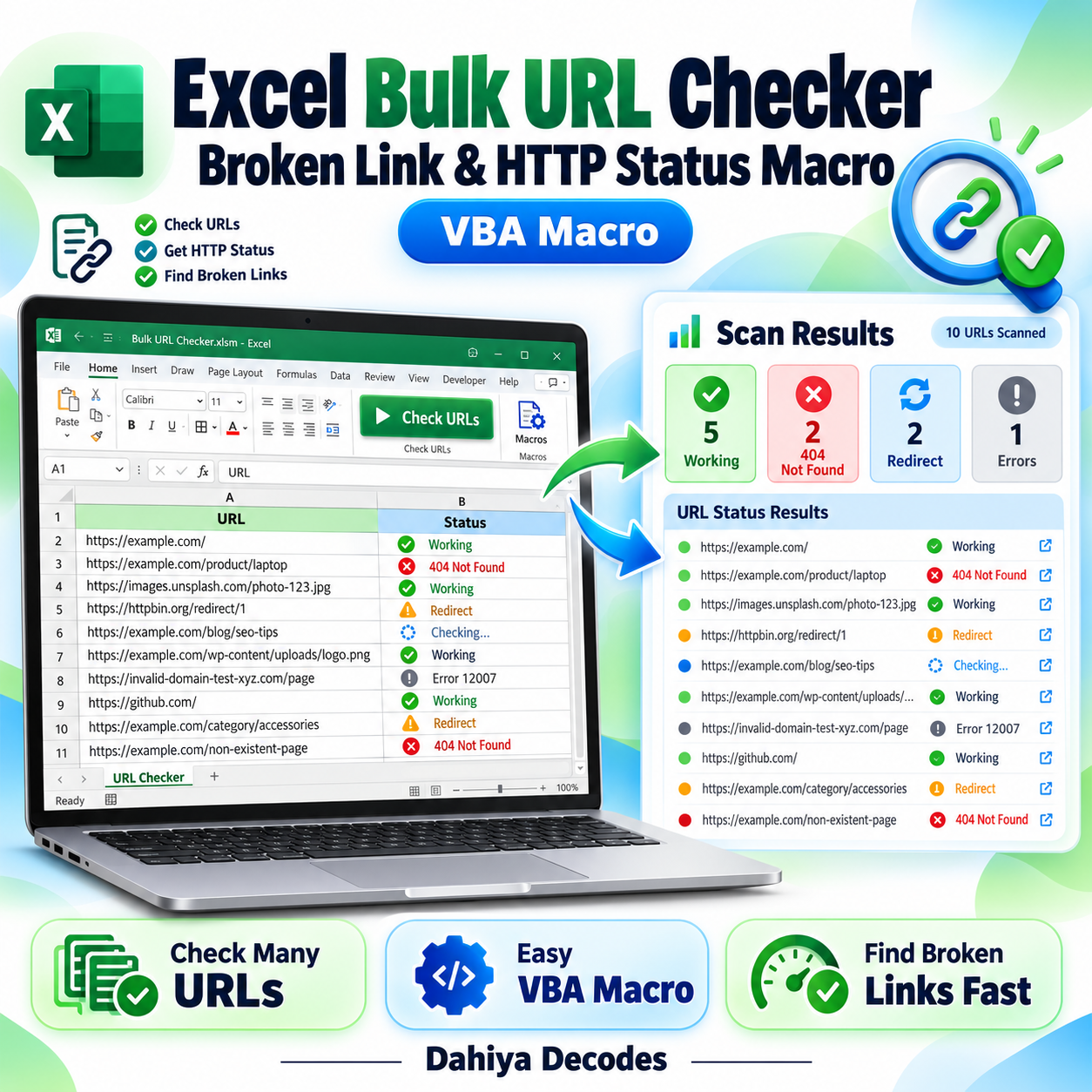
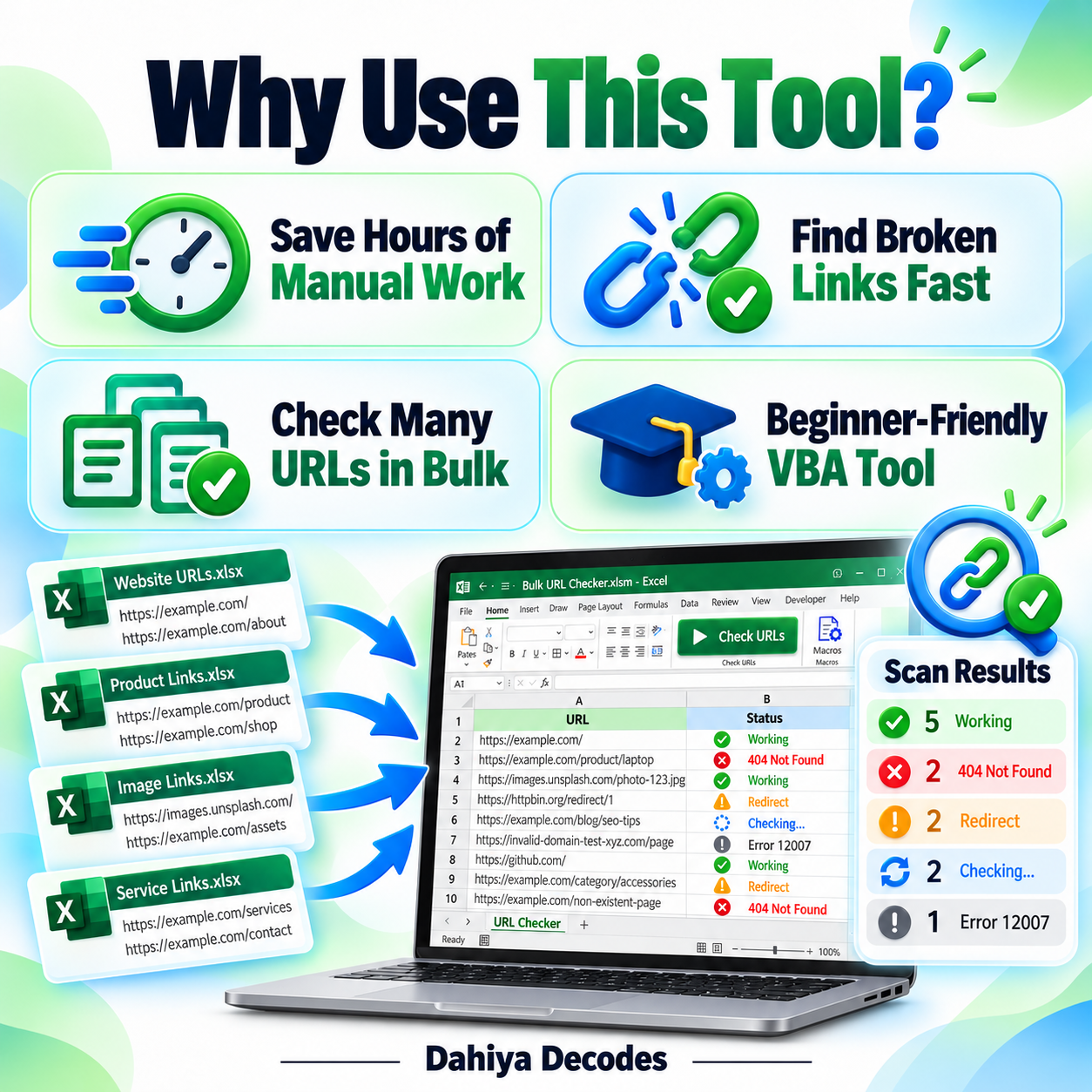
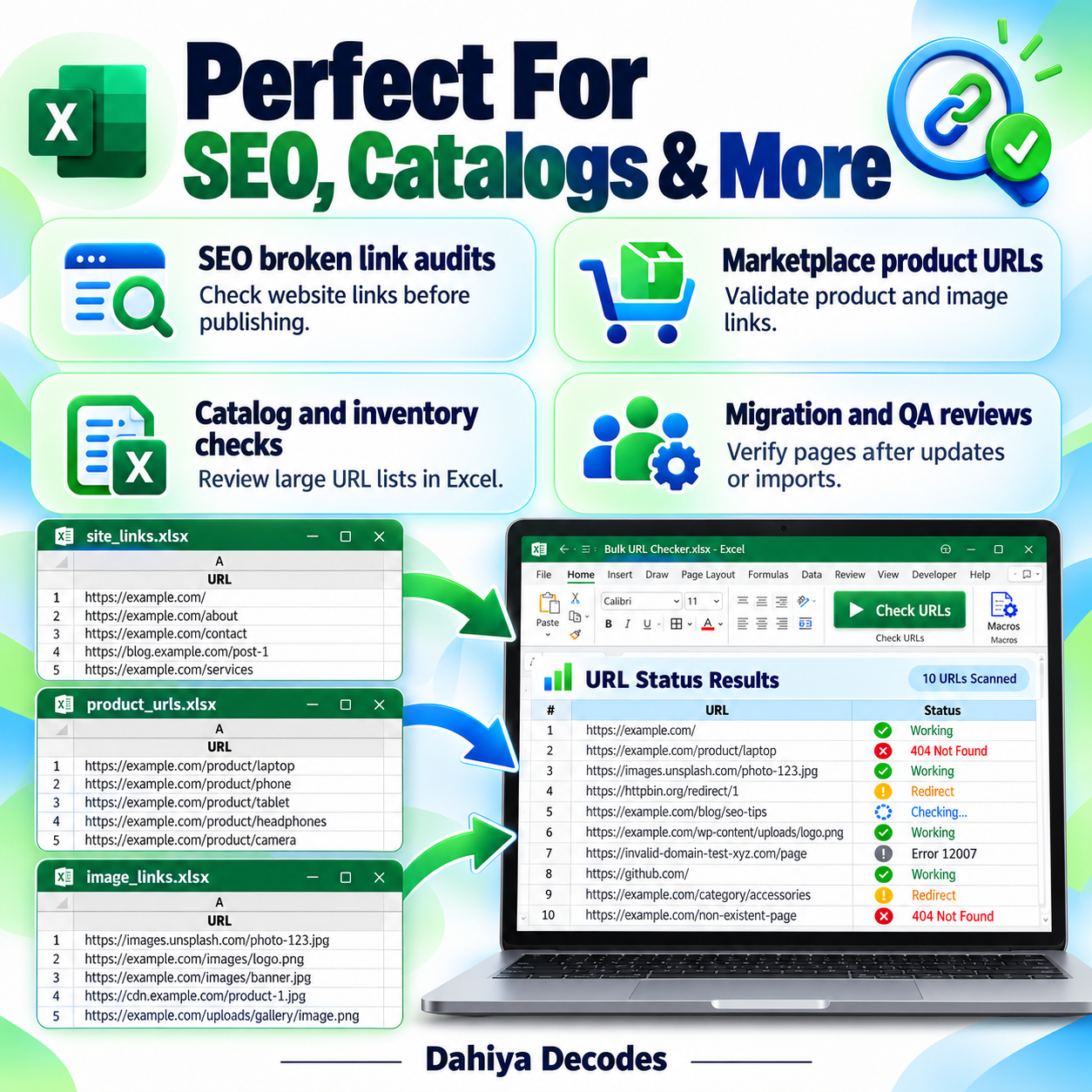
Excel Bulk URL Checker – Broken Link and HTTP Status Macro helps with website content QA, Shopify image-link checks, eCommerce catalog audits and quick verification of known URL lists. Review a spreadsheet of web page and image URLs and write basic HTTP result messages beside each link. The digital product is a downloadable .xlsm (Excel macro) file intended for users comfortable with the stated software requirements.
What This Tool Does
- Read one web URL per row from column A
- Display a progress status in Excel while checking
- Record working HTTP 200 URLs in column B
- Write errors for non-200 responses and connection failures
- Automatically save workbook progress after each checked URL
How to Use This Tool
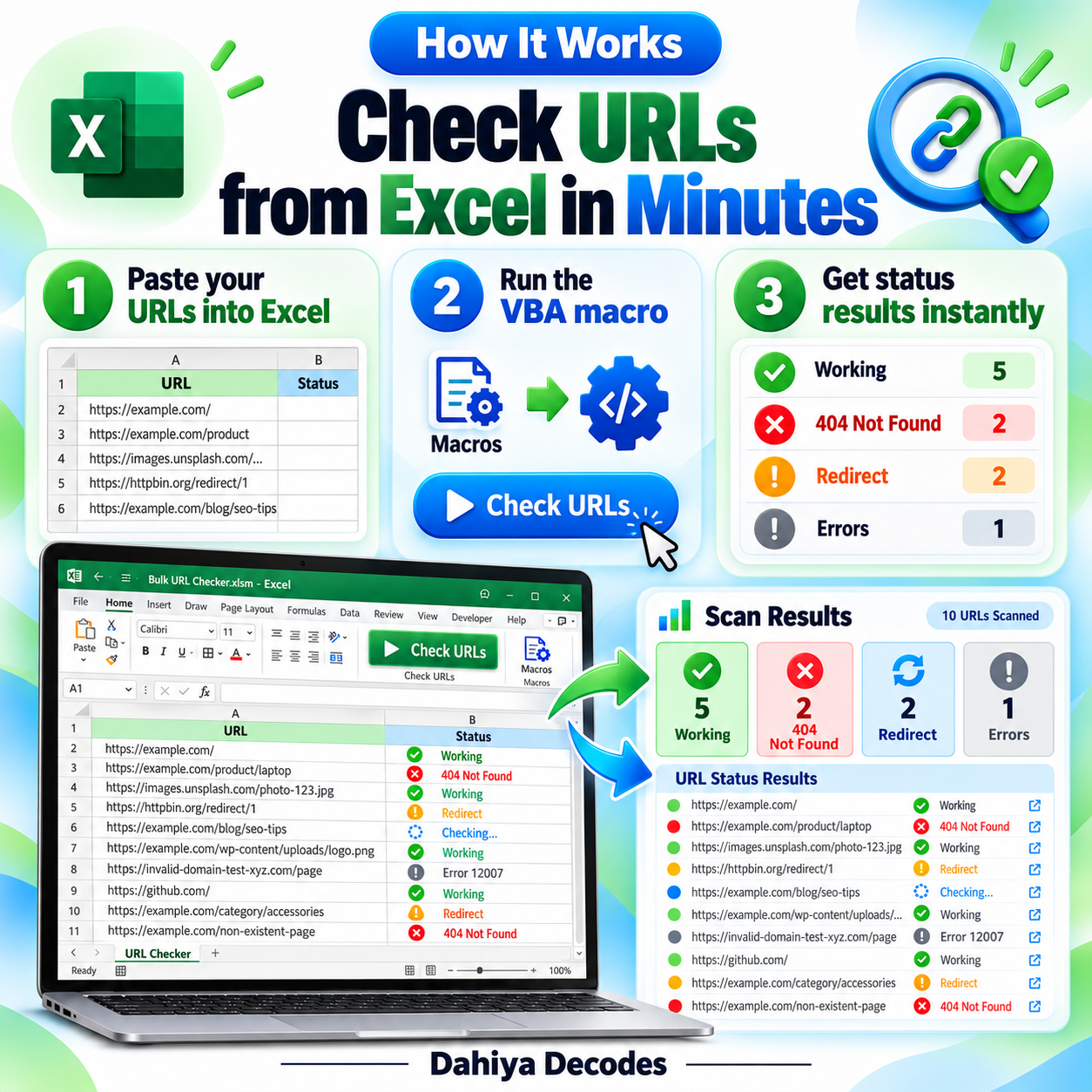
- Open the .xlsm workbook in desktop Microsoft Excel for Windows.
- Make a backup, then clear the prefilled example URLs and old results.
- Paste your own web or image links into column A of Sheet1, starting on row 2.
- Choose Developer > Macros or Alt+F8, then run CheckURLs_VisibleProgress.
- Read the status values in column B and independently verify failed or redirected URLs when appropriate.
File Format, Input and Requirements
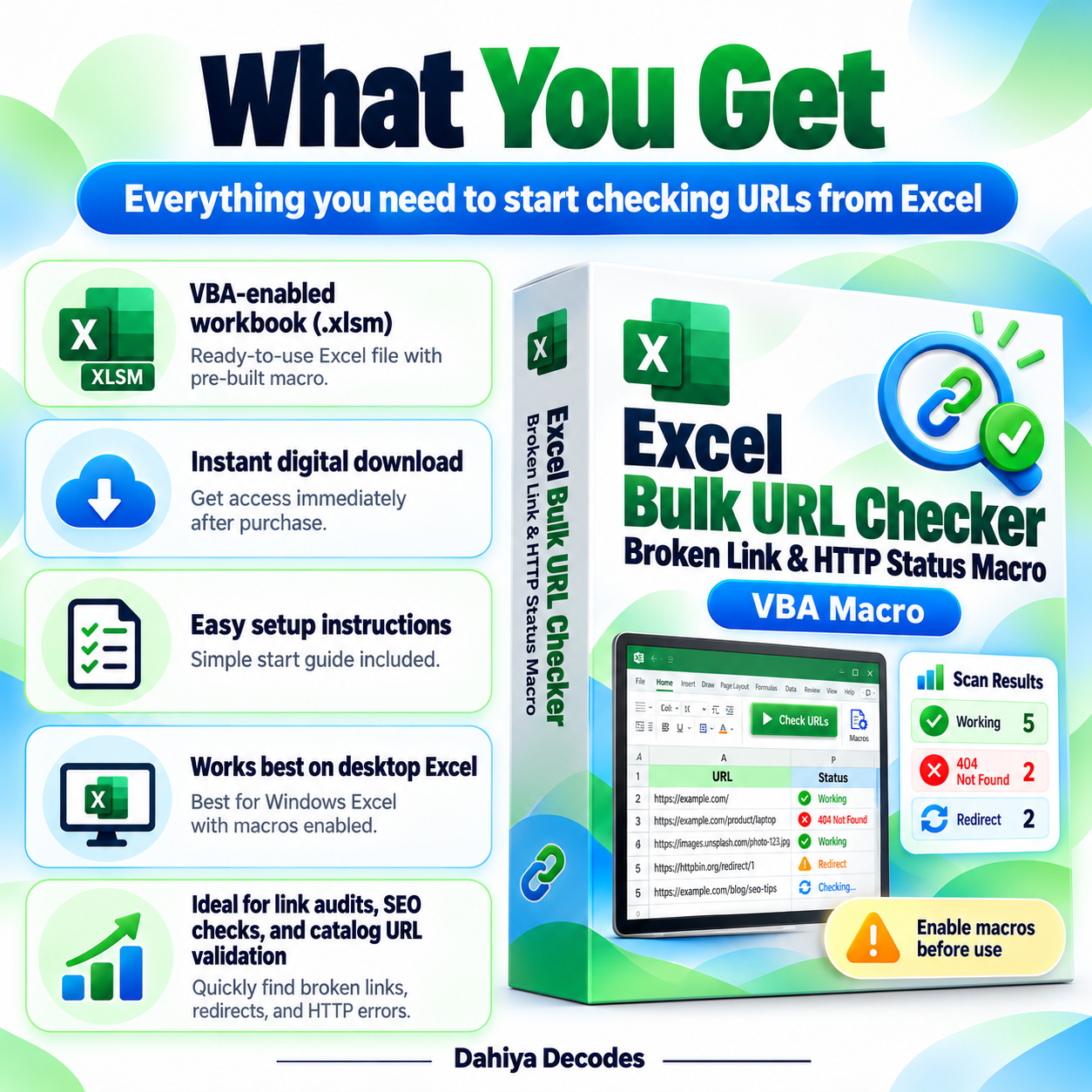
- File format: .xlsm (Excel macro)
- Compatible platform: Microsoft Excel desktop for Windows
- Requirements: Excel VBA/macros and a network connection
- Input: Sheet1, column A: a list of HTTP/HTTPS URLs from row 2 onward
- Output: Sheet1, column B: a text status describing HTTP 200, other HTTP results or connection failure
Before You Run It
The workbook currently contains many prefilled Shopify CDN links and prior results. Remove them before customer distribution. The macro sends synchronous GET requests, saves after every URL and can be slow on large lists. Some websites block automated requests, and redirect responses may be automatically followed. It is not a full site crawler or continuous monitor.
Microsoft may block downloaded VBA macros by default. Review the code and follow your organization’s security policy; never enable macros from an untrusted source.
Where It Helps
Ideal for checking a prepared list of image or product links before bulk catalog publication.
Frequently Asked Questions
Does it crawl the entire website?
No. It checks only the exact URLs you paste in column A.
What happens to 404 errors?
The macro writes a nonworking status with the reported HTTP code where available.
Does it run on Excel for the web?
No. It requires desktop Excel capable of running VBA.
Delivery and Support
This is a digital product; no physical shipment is included. A working downloadable file must be attached to the WooCommerce product before it is published for sale. Confirm your software compatibility and review all cautions before purchase. Product functionality depends on your local setup and any external services involved.
Reviews
There are no reviews yet.