Description
Split Excel File By Rows – Downloadable Digital Tool
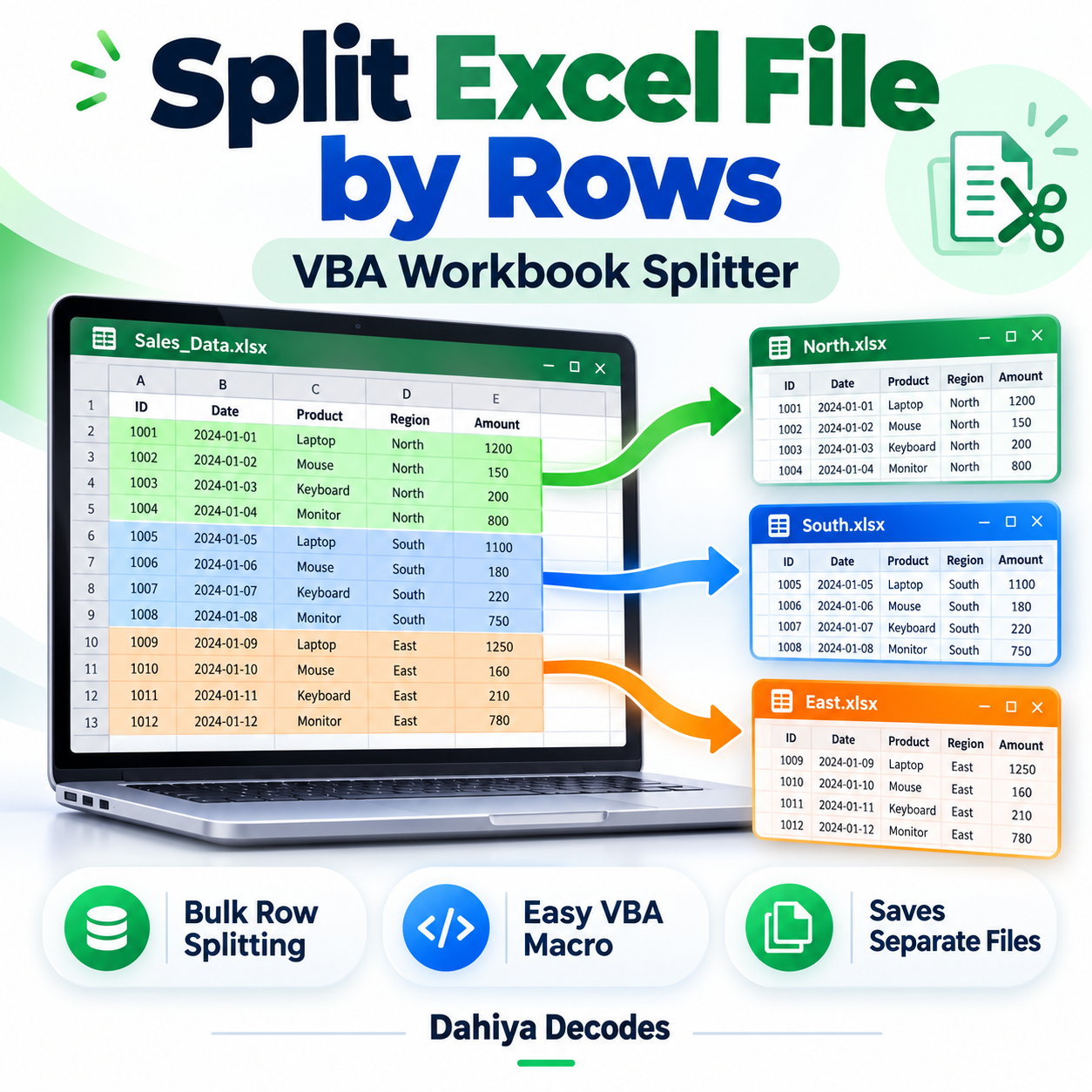
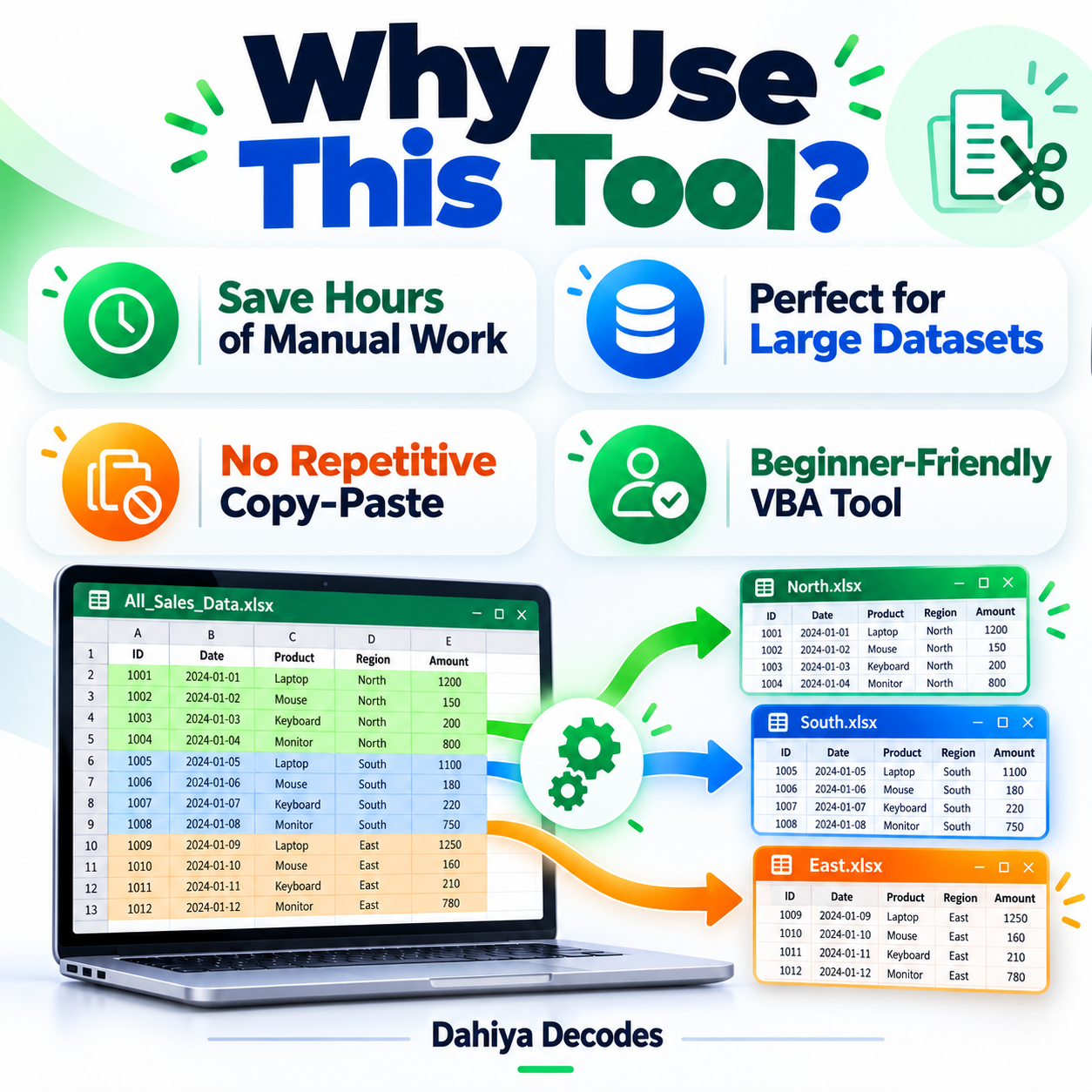
Split Excel File by Rows – VBA Workbook Splitter helps with eCommerce catalog uploads, supplier spreadsheets, inventory exports and administrative datasets that must be broken into smaller import batches. Split large Excel worksheets into multiple smaller .xlsx files using a row count you choose, with repeatable header rows. The digital product is a downloadable .xlsm (Excel macro) file intended for users comfortable with the stated software requirements.
What This Tool Does
- Pick the Excel workbook you want to split
- Choose how many data rows go into each output file
- Repeat a specified number of top header rows in each file
- Create numbered Part1, Part2 and later .xlsx output workbooks
- Keep the selected source workbook read-only during processing
How to Use This Tool
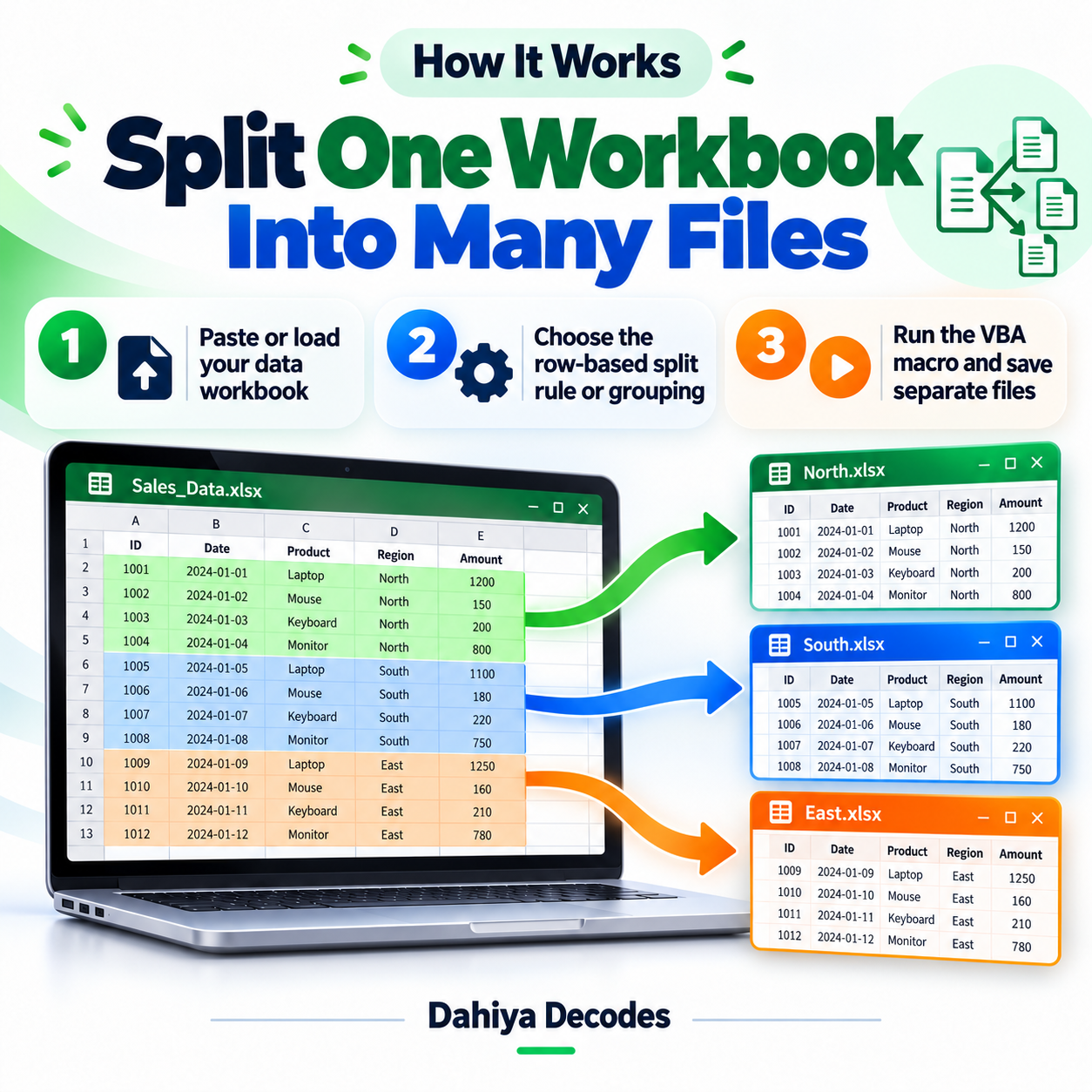
- Save and open the macro-enabled splitter workbook in desktop Excel for Windows.
- Run the macro named Split_Selected_File using Developer > Macros or Alt+F8.
- Select the Excel source file when prompted.
- Enter an existing destination folder path.
- Enter the number of DATA rows per output file, excluding headers.
- Enter the number of header rows to include at the top of each output, then inspect the numbered .xlsx files.
File Format, Input and Requirements
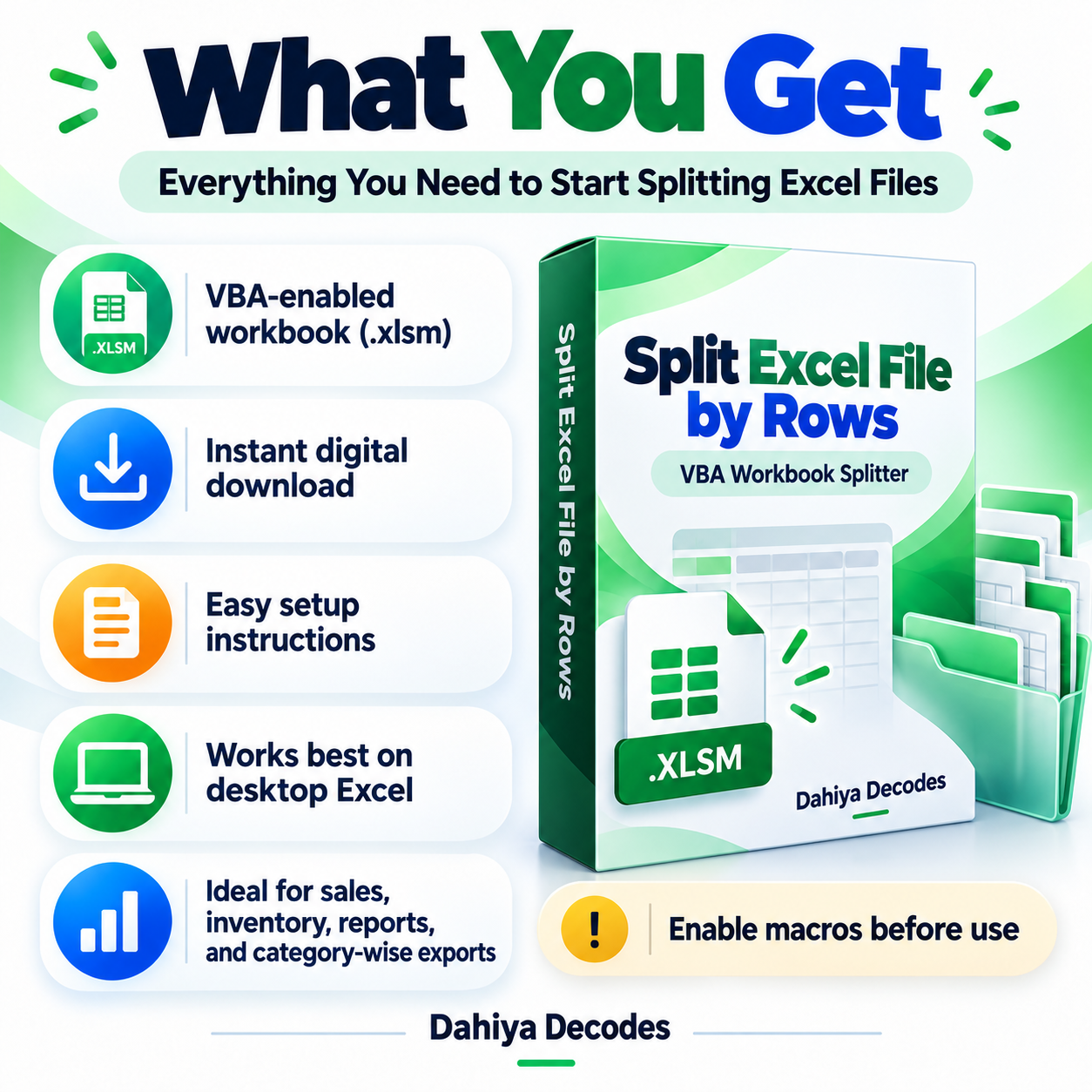
- File format: .xlsm (Excel macro)
- Compatible platform: Microsoft Excel desktop for Windows
- Requirements: Excel VBA/macros permitted in your security settings
- Input: An .xlsx, .xlsm or .xls workbook; data in its first worksheet, with column A populated to the final data row
- Output: Separate .xlsx files named using the source file name plus _Part1, _Part2 and so on
Before You Run It
The code reads the first worksheet only and finds the last row by column A, so blank values at the bottom of column A can omit rows. Enter numeric values at prompts; invalid or cancelled input can raise a VBA error. Test on a backup. The output folder must exist.
Microsoft may block downloaded VBA macros by default. Review the code and follow your organization’s security policy; never enable macros from an untrusted source.
Where It Helps
Recommended for dividing eBay, Amazon or WooCommerce spreadsheet feeds into manageable batches without manually copying rows.
Frequently Asked Questions
Can I keep my headers?
Yes. You enter how many top rows are repeated. Use one or more headers; zero header rows is not a tested path in the current macro.
Does it split every worksheet?
No. It works on the first worksheet of the selected workbook.
What file format is created?
The macro saves each output as an .xlsx workbook.
Delivery and Support
This is a digital product; no physical shipment is included. A working downloadable file must be attached to the WooCommerce product before it is published for sale. Confirm your software compatibility and review all cautions before purchase. Product functionality depends on your local setup and any external services involved.
Reviews
There are no reviews yet.