
Description
eBay Product Data Scraper – Extract Listings to Excel
Manually opening eBay listings and copying product information into spreadsheets can quickly become repetitive and time-consuming.
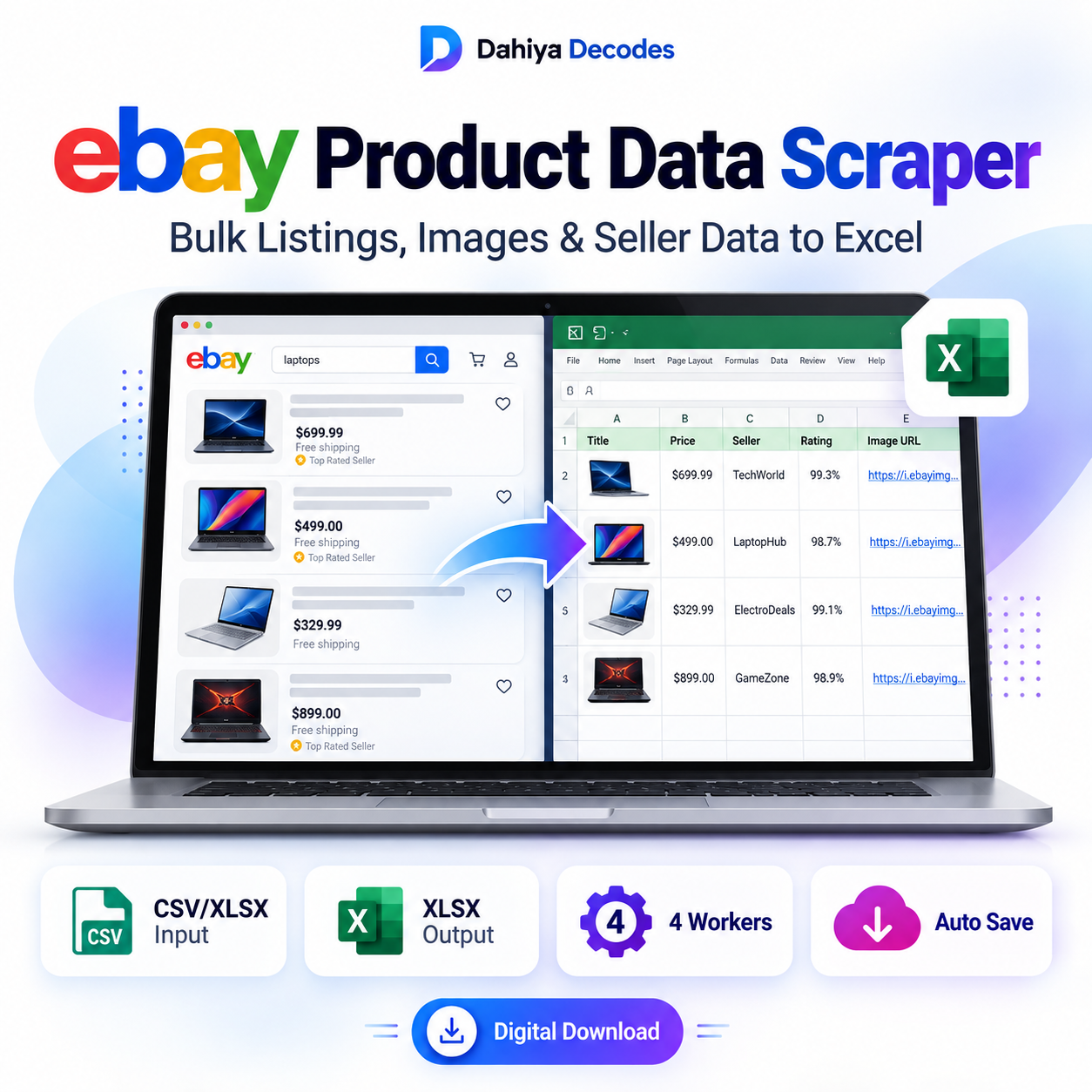
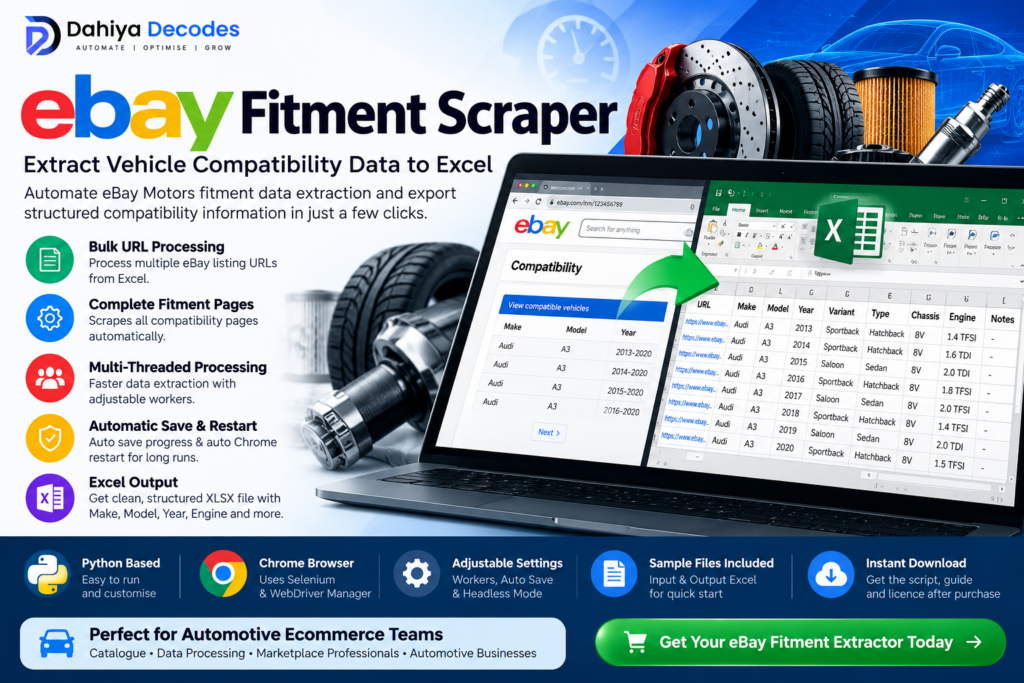
The Dahiya Decodes eBay Product Data Scraper is a Python-based automation tool designed to process multiple eBay listing URLs and convert available listing information into structured Excel data.
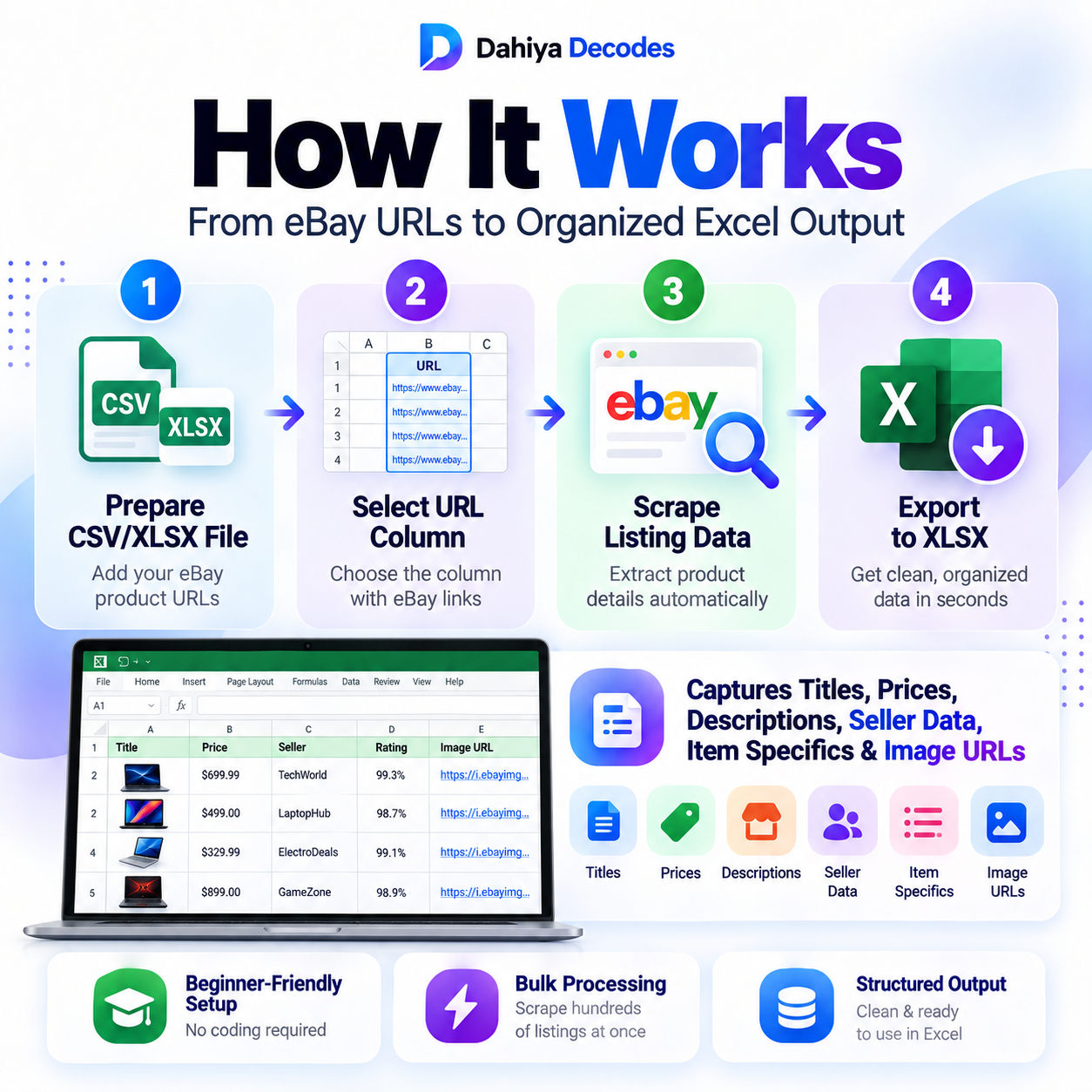
Provide a CSV or Excel file containing your eBay URLs, select the column containing those URLs, and let the tool process the listings automatically.
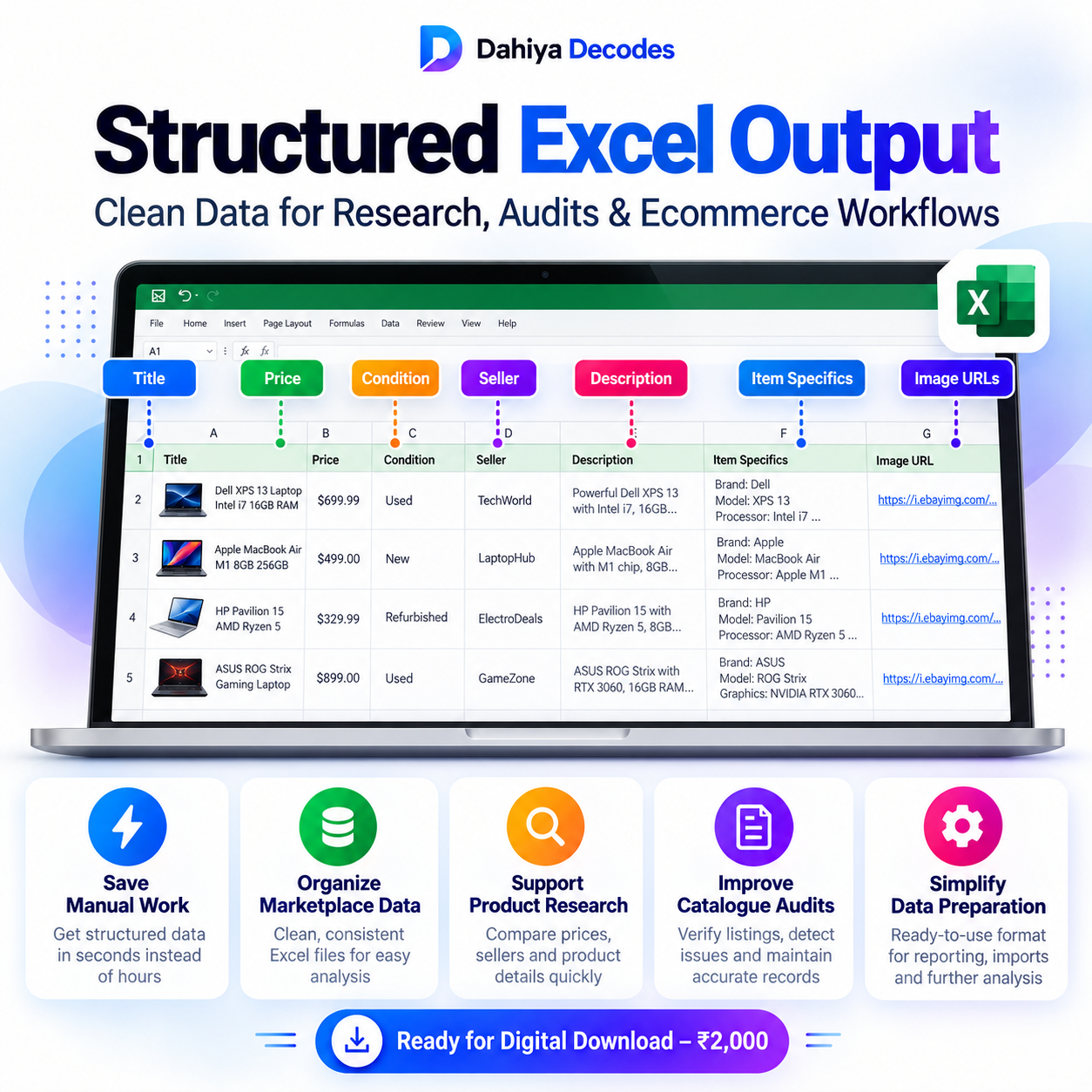
The resulting data is saved into a structured XLSX workbook that can be used for ecommerce research, catalogue analysis, marketplace auditing, data preparation, migration projects and internal reporting.
What Does the eBay Product Data Scraper Extract?
For each successfully processed eBay listing, the tool attempts to collect:
- Product Title
- Main Price
- Product Condition
- Quantity Available
- Sold Count
- Shipping Information
- Additional Shipping Details
- Return Information
- Seller Name
- Seller Profile URL
- Seller Feedback Information
- Listing Description
- All Detected Item Specifics
- Full-Size Product Image URLs
- Total Image Count
- Processing Status
- Error Information when a listing cannot be processed successfully
Bulk eBay Listing Data Extraction
Instead of manually entering product URLs one by one, prepare a spreadsheet containing all the eBay listing URLs you want to process.
The software supports:
- CSV files
- XLSX files
- XLS files
When you start the scraper, it displays the columns detected in your input file and asks you which column contains the eBay URLs.
The URLs are then placed into a processing queue and handled automatically.
Multi-Threaded Processing
The scraper uses a multi-threaded architecture to process multiple listing URLs more efficiently.
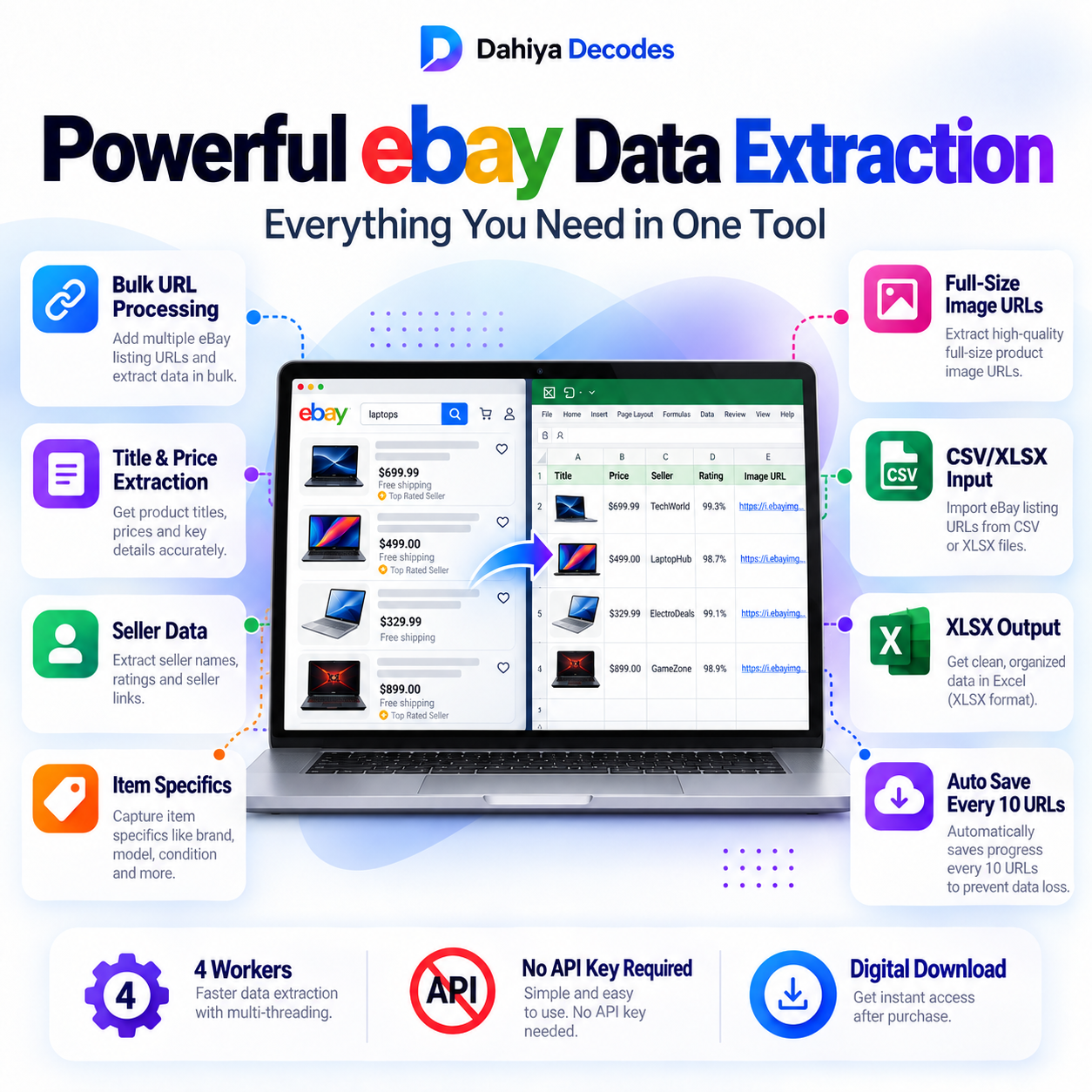
The default configuration runs 4 workers, allowing several browser sessions to process listing URLs in parallel.
This makes the tool suitable for larger catalogue research and ecommerce data-processing workflows where manually reviewing every listing would take significantly more time.
Export eBay Data Directly to Excel
Once processing begins, the scraper automatically creates an XLSX workbook in the same folder as your input file.
The generated filename follows this structure:
your-file-name_output.xlsx
The workbook contains two worksheets:
- Original_Data – preserves your original uploaded spreadsheet.
- Scraped_Data – contains the product and listing information extracted from eBay.
This structure makes it easy to compare the original URLs with the resulting extracted data.
Automatically Extract eBay Item Specifics
eBay item specifics can vary significantly between product categories.
Rather than relying on a fixed list of attributes, the scraper detects available item-specific label/value pairs from each listing and adds them to the resulting dataset.
Depending on the listing, this can include information such as:
- Brand
- Manufacturer Part Number
- Model
- Type
- Colour
- Material
- Vehicle compatibility-related attributes
- Product dimensions
- Manufacturer information
- Other category-specific attributes
The exact attributes available depend on the source listing.
Extract Full-Size eBay Product Image URLs
The software also detects product images displayed in the eBay listing gallery.
When the expected eBay image URL structure is available, the tool converts image size references to s-l1600, targeting larger versions of the product images instead of smaller thumbnails.
The extracted URLs are stored in the:
all image urls
field of the resulting spreadsheet.
The scraper also records:
total images
so you can quickly determine how many product images were detected for each listing.
Seller Data Extraction
The scraper can also capture available seller information from each listing.
Supported seller-related fields include:
- Seller Name
- Seller Profile Link
- Seller Feedback Information
This can be useful for marketplace research, catalogue auditing and seller-level analysis.
Automatic Progress Saving
Large scraping jobs should not depend entirely on one final save operation.
The default configuration automatically writes the current results to the Excel output after every 10 processed URLs.
This provides additional progress persistence when processing larger URL lists.
Automatic Browser Restart
Very long browser automation sessions can sometimes become unstable.
To help manage longer processing jobs, each worker is configured to restart its browser after processing 1,000 URLs.
Experienced Python users can modify this value in the source code if their workflow requires different settings.
Who Is This eBay Scraper Designed For?
- eBay sellers
- Ecommerce businesses
- Marketplace agencies
- Catalogue managers
- Product data teams
- Automotive ecommerce businesses
- Marketplace researchers
- Data analysts
- Developers
- Ecommerce consultants
- Migration specialists
- Product research teams
Common Use Cases
- Bulk eBay listing research
- Product catalogue analysis
- Price comparison research
- Seller data research
- Shipping and return policy analysis
- Item-specific extraction
- Product image URL collection
- Catalogue auditing
- Ecommerce data preparation
- Marketplace migration projects
- Product information organization
- Internal reporting
- Competitive marketplace research
Input File Requirements
Your input spreadsheet should contain a column with eBay listing URLs.
Example:
| URL |
|---|
| https://www.ebay.com/itm/example-product-1 |
| https://www.ebay.com/itm/example-product-2 |
| https://www.ebay.com/itm/example-product-3 |
Your column does not need to be named URL. The software displays the detected columns and allows you to choose the correct URL column when the program starts.
System Requirements
This product is supplied as a Python automation tool rather than a traditional Windows installer.
You will need:
- Python 3
- Google Chrome
- Pandas
- OpenPyXL
- Selenium
Install the required Python packages with:
pip install pandas openpyxl selenium
How to Run the eBay Scraper
- Install Python 3.
- Install Google Chrome.
- Download and extract the product ZIP file.
- Install the required Python packages.
- Prepare a CSV/XLSX/XLS file containing your eBay listing URLs.
- Open Command Prompt, Terminal or PowerShell.
- Navigate to the scraper folder.
- Run the Python scraper.
- Enter the path to your input file when prompted.
- The program displays the detected spreadsheet columns.
- Enter the column name containing your eBay URLs.
- Allow the scraper to process the listings.
- Open the generated
_output.xlsxfile.
What You Receive After Purchase
- eBay Product Data Scraper Python source file
- README documentation
- Quick-start instructions
- Sample CSV input file
- Troubleshooting guide
- Version information
- Usage licence
No eBay API Key Required
The supplied version uses Selenium browser automation and does not contain an eBay API authentication workflow.
This means you do not need to configure an eBay API key inside the supplied script.
Important Technical Information
This software interacts with third-party website pages through browser automation.
Third-party websites may change their HTML structure, page layouts, selectors, authentication requirements or technical controls at any time.
Because of this, future website changes may require updates to the scraper.
The software can only collect information that is available to the browser session and successfully detected by the configured selectors.
Some listings may not contain every supported field, so individual output cells may be blank.
Processing speed will vary depending on your:
- Computer performance
- Internet connection
- Website response time
- Browser performance
- Number of URLs
- Complexity of individual listing pages
No fixed processing speed or universal success rate is guaranteed.
Responsible Use
This software is intended for lawful and authorized data-processing activities.
The buyer is responsible for ensuring that their use complies with applicable laws, website terms, contractual requirements, intellectual-property rights, privacy requirements and any permissions required for automated access.
The software should not be used to bypass authentication, access controls, technical protections or other restrictions.
Independent Product Disclaimer
Dahiya Decodes is an independent software provider and is not affiliated with, endorsed by, sponsored by or officially connected with eBay Inc.
eBay and related names and marks belong to their respective owners. References to eBay are used solely to describe the intended compatibility and functionality of this software.
Frequently Asked Questions
Can I process multiple eBay URLs?
Yes. The tool is specifically designed to read multiple URLs from CSV or Excel files and process them through a multi-worker queue.
What information does the scraper export?
The tool attempts to export product title, price, condition, quantity available, sold count, shipping information, return information, seller details, description, item specifics, image URLs, image count and processing status.
Does the software download product images?
No. The current version exports the detected product image URLs rather than downloading the actual image files.
Does it collect large image URLs?
Where the expected eBay image URL structure is detected, the scraper converts the image size reference to s-l1600 to target larger image versions.
Does it extract item specifics?
Yes. The script loops through the detected item-specific fields and adds available label/value pairs into the scraped output.
What input formats are supported?
CSV, XLSX and XLS.
What output format does the tool create?
The tool produces an XLSX Excel workbook.
Does it require an eBay API key?
No API authentication workflow is included in the supplied version. The program uses Selenium browser automation.
Where is the generated Excel file saved?
The file is saved in the same directory as your input spreadsheet using the original filename followed by _output.xlsx.
Can I modify the Python source?
The product is supplied as Python source code, so technically experienced users can review or adapt the script for their own internal workflow subject to the supplied licence terms.
Can the scraper run headlessly?
The source contains an optional Chrome headless configuration line that is currently commented out. Experienced users can enable it by editing the Python source.
Will every listing return every field?
No. The available information depends on what is displayed on the individual eBay listing and whether the corresponding page element is detected successfully.
Will the scraper continue working forever?
No web scraper that depends on a third-party website’s page structure can be guaranteed to work permanently without maintenance. Website changes may require future code updates.
eBay data scraper | eBay listing scraper | eBay scraper to Excel | eBay image scraper | eBay item specifics scraper | eBay seller data scraper | bulk eBay scraper | Python eBay scraper | eBay product scraper | eBay listing data extractor | eBay product data extraction tool | eBay data extraction software | scrape eBay listings to Excel | eBay product research tool | marketplace data scraper

Reviews
There are no reviews yet.