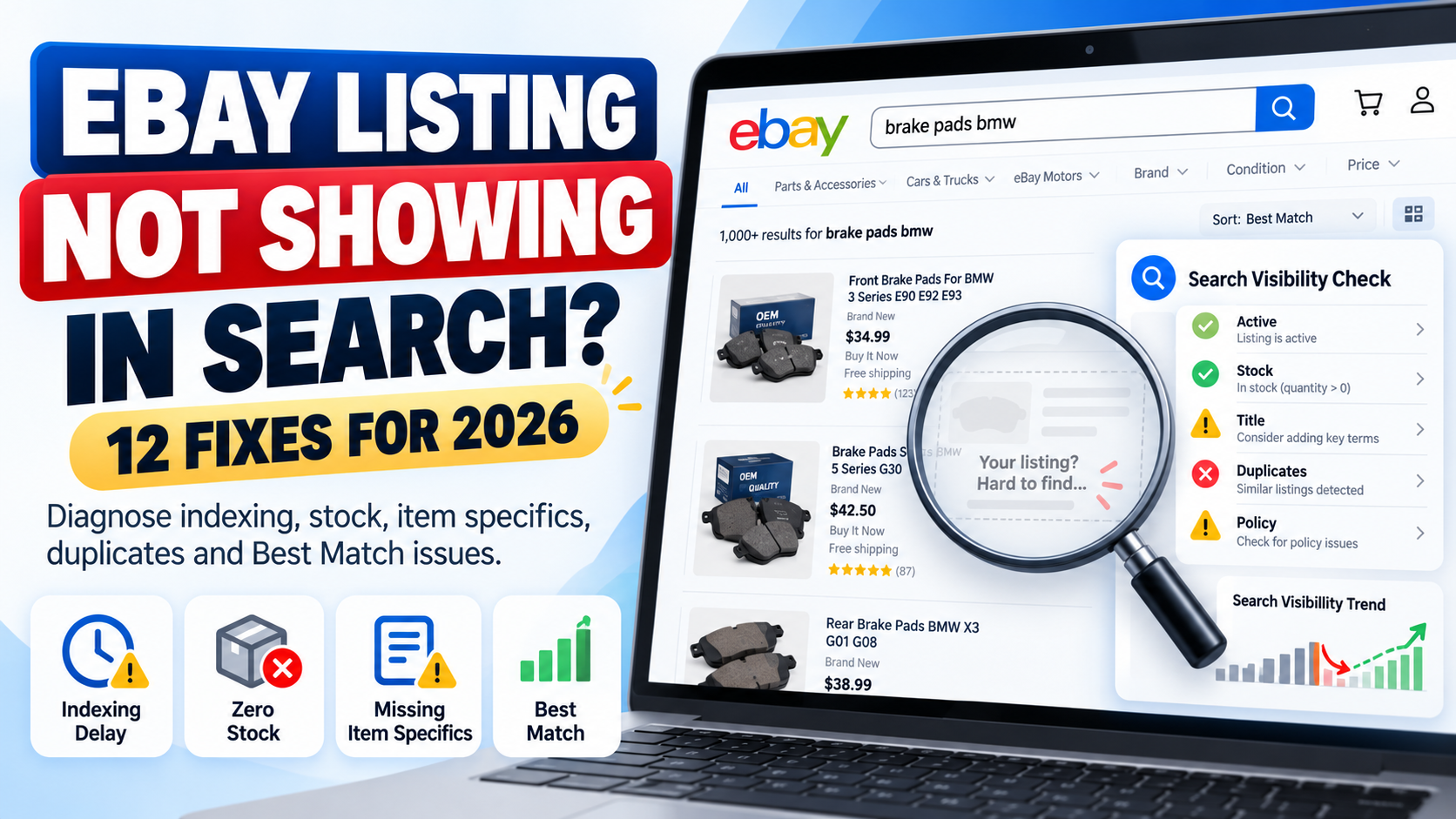
You created an eBay listing.
It is live in Seller Hub.
But when you search for the product, you cannot find it.
If your eBay listing is not showing in search, the first thing to understand is that there are two different problems that sellers often confuse:
Problem 1: Your listing genuinely is not available in eBay search.
Problem 2: Your listing is searchable, but it ranks so low that you cannot easily find it.
The solution depends on which problem you have.
A newly created listing may simply need time to appear. An active listing with zero stock can be hidden from search. Duplicate listings can be suppressed. Policy issues can cause listings to be removed or hidden.
In other cases, your listing is visible but weak titles, missing item specifics, incorrect categories, pricing, seller performance or other Best Match factors are pushing it far below competing products.
This complete 2026 guide explains 12 common reasons an eBay listing may not appear in search and exactly what you should check to fix it.
Quick Answer: Why Is My eBay Listing Not Showing in Search?
If you recently created the listing, do not panic immediately.
eBay currently says a new listing should normally appear in search within 24 hours. If it still cannot be found after that period, eBay recommends checking whether the listing is actually active and reviewing issues including title errors, special characters, duplicates and policy restrictions.
Therefore, your first checks should be:
Is the listing active?
Has it been live for more than 24 hours?
Does it have available quantity?
Does the title contain mistakes?
Is there a duplicate listing?
Has eBay sent you a policy message?
If all of these are fine, the problem may not be indexing at all.
It may be search ranking.
1. Your Listing Is Less Than 24 Hours Old
The simplest explanation is often the correct one.
eBay states that after a listing is created, it should normally appear in search within 24 hours.
That means a listing created ten minutes ago should not immediately be treated as broken because you cannot find it.
What should you do?
First check Seller Hub and confirm that the listing status is Active.
Then give eBay enough time to process it.
If the listing still cannot be found after 24 hours, continue through the checks in this guide.
Important
Do not repeatedly end and recreate the same listing simply because you cannot find it immediately.
That can create additional catalogue-management problems and potentially result in duplicate listings.
2. Your Listing Is Not Actually Active
eBay search only surfaces active listings.
A product may exist inside your account while still being:
Draft
Scheduled
Ended
or in another non-active status.
eBay specifically advises sellers who cannot find an item after 24 hours to check the listing status inside the Selling section.
How to check
Open Seller Hub and locate the product.
Confirm that its status is:
Active
and not Draft or Ended.
If the item is not active, the problem is not SEO.
You first need to resolve why the listing has not gone live.
3. Your Product Quantity Is Zero
This issue is easy to miss.
eBay allows sellers using the out-of-stock option to keep certain Good ‘Til Canceled listings technically active when quantity reaches zero.
However, when inventory is zero, eBay hides the listing from search results.
Once quantity is increased again, the listing can reappear in search.
That means you can sometimes see a listing marked active while buyers cannot find it through normal search.
How to fix it
Check:
Available quantity
Variation quantity
Inventory synchronization
Warehouse/feed stock
If quantity has accidentally become zero, update your inventory.
For sellers using inventory software, APIs or marketplace integrations, also check whether another system is repeatedly sending a zero-stock value back to eBay.
This is especially important for large catalogues because an inventory feed error can hide many listings at once.
4. Your Listing Title Contains an Error
Your title is one of the first places to investigate when a listing cannot be found.
eBay specifically recommends checking for:
Misspellings
Two words accidentally joined together
Accidental profanity
and certain unnecessary special characters such as:
! @ / *
eBay says a listing can be blocked from search if its systems detect profanity, including profanity that was created accidentally through a typing mistake.
Example
Instead of:
BOSCH!!! FRONT/BRAKE PADS @ BMW 3 SERIES
use a clean descriptive title such as:
Bosch Front Brake Pad Set BMW 3 Series 0986424797
Do not try to manipulate search by adding unrelated popular keywords either.
eBay’s Search Manipulation Policy says listing words must accurately relate to the item being sold.
SEO tip
A good title should clearly communicate:
Brand + Product Type + Model/MPN + Important Attribute
For a complete title and ranking strategy, read our eBay SEO Guide 2026.
5. You Created a Duplicate Listing
Duplicate listings are another major reason an item can disappear from normal search visibility.
eBay generally does not allow a seller to run multiple fixed-price listings for the same identical item at the same time.
eBay says its duplicate-listing rules exist to prevent one seller from dominating search results with identical products.
For auction listings, duplicate visibility can also be restricted according to eBay’s rules.
What should you do?
Search Seller Hub for the same:
SKU
MPN
Title
Product
and identify whether you have multiple identical active listings.
If you simply have more stock of the same product, eBay recommends using a multi-quantity listing rather than creating many identical fixed-price listings.
For products with valid variations such as size or colour, use a variation listing when appropriate.
Automotive sellers
If one automotive part fits hundreds of vehicles, do not create hundreds of identical listings purely for every compatible vehicle.
Instead, use eBay’s parts compatibility structure where applicable.
For more detail, read our eBay Motors Fitment Guide 2026.
6. eBay Removed or Hid Your Listing
Sometimes the listing problem is not search optimization.
It is policy enforcement.
eBay may remove or hide a listing when it violates a marketplace policy, applicable law or intellectual-property requirement.
Current eBay guidance also states that rights-owner requests can result in listings being removed or hidden.
Possible reasons include:
Prohibited or restricted products
Intellectual-property complaints
VeRO-related issues
Counterfeit concerns
Duplicate listing violations
Other listing-policy problems
When eBay removes or hides a listing, it normally sends information to your registered email address and eBay Messages explaining the issue.
What to do
Before rewriting the entire listing, check:
eBay Messages
Seller Hub notifications
Policy notifications
Registered email account
If eBay has identified a policy problem, solve that specific issue first.
Our Common eBay Listing Errors and How to Fix Them guide covers additional marketplace errors and listing problems.
7. Your Selling Limit or Category Limit Has Been Reached
eBay applies selling limits to some seller accounts.
Your active and sold listings can count toward monthly limits, and eBay says listings created beyond an applicable selling limit may be ended.
Category-specific limits can also apply, particularly when a seller is newer to a category.
Therefore, if you expected a product to be active but cannot find it, check whether eBay has restricted or ended the listing because of account limits.
Where to check
Open Seller Hub and review your:
Monthly selling limits
Category limits
Account notifications
Ended listings
Do not try to bypass category limits by putting products into an incorrect category.
eBay specifically warns that using the wrong category to bypass a selling limit violates its Search Manipulation Policy.
8. You Are Searching With Filters That Exclude Your Own Listing
This is one of the most overlooked causes.
You may search for your exact product and assume the listing is missing.
However, your search environment may be excluding it.
eBay allows buyers to filter results using criteria such as:
Item specifics
Condition
Buying format
Returns
Delivery options
Item location
and other attributes.
For example, suppose your product is listed as:
Condition: Used
but your search filter is:
Condition: New
You will not see it.
Or the listing may exist on eBay.com while you are checking another regional marketplace with different visibility conditions.
Test properly
Search again using:
- A distinctive part of the exact title.
- No unnecessary filters.
- The correct eBay marketplace.
- The correct item location settings.
If possible, also check from a private/incognito browser session.
Do not rely only on your usual personalised search results.
9. Missing Item Specifics Are Hiding You From Filtered Searches
This is a major issue.
Your listing may appear in a broad search but disappear as soon as the buyer applies filters.
eBay says buyers use item specifics such as:
Brand
Size
Colour
Type
Style
and other category-specific attributes to filter results.
Importantly, eBay states that a listing will only appear in a filtered result for an item specific if the matching specific has been added to the listing.
Example
Suppose you sell:
Nike Black Running Shoes UK Size 9
but your listing does not contain:
Brand: Nike
Colour: Black
Size: UK 9
A buyer applying those filters may never see the listing.
This is why item specifics are much more than optional product information.
How to fix it
Review:
Required item specifics
Required Soon item specifics
Recommended item specifics
and relevant additional attributes.
eBay also provides Seller Hub tools for identifying missing item specifics and says its recommendations are influenced by buyer search demand.
For a complete optimization process, read our eBay Item Specifics Guide 2026.
10. Your Listing Is Visible but Ranks Very Low in Best Match
This is probably the biggest distinction sellers need to understand.
Your listing may not actually be hidden.
It could simply rank on page 10, 20 or much deeper in search results.
eBay’s default search ordering is called Best Match.
According to eBay, Best Match considers factors including:
How closely the listing matches the buyer’s search
Item popularity
Price
Listing quality
Listing completeness
Shipping, handling and return terms
Seller track record
Therefore, searching for a broad phrase such as:
BMW brake pads
and failing to see your product near the top does not prove the listing is absent from search.
It may simply be outranked.
What should you optimize?
Start with:
Title relevance
Correct category
Item specifics
Product identifiers
Images
Description
Competitive price
Shipping
Handling time
Returns
Seller performance
Inventory accuracy
For the complete ranking strategy, use our eBay SEO Guide 2026.
11. Your Category or Product Data Is Weak
The more accurately eBay understands an item, the easier it becomes to match that item to the right buyer.
eBay’s current listing guidance says choosing the appropriate category, adding detailed information and including product identifiers can help products appear in relevant search results.
Common catalogue problems include:
Wrong category
Missing brand
Incorrect MPN
Missing UPC/EAN
Generic product type
Incomplete model information
Poor colour or size data
Incorrect condition
Invalid attributes
Supplier values that do not match marketplace terminology
Example
A listing called:
New Car Part Fits BMW
provides very little information.
Compare it with:
Bosch Front ABS Wheel Speed Sensor BMW 3 Series 0265007928
The second listing gives eBay and the customer much more information about what is being sold.
For large catalogues, this is not just copywriting.
It is product data management.
12. Search Results Are Not Identical for Every Buyer
One final point is important.
Do not assume that every eBay user sees exactly the same search results.
eBay says search and browse visibility can depend on factors including:
The buyer’s search query
Buyer location
Browsing site
Browsing history
Item location
Listing format
Price and shipping
Seller history
Relevance
and the number of listings matching the query.
Therefore:
“I cannot see my listing in position 5”
does not mean:
“Nobody can see my listing.”
Your objective should not be to make your personal search results look a particular way.
Your objective is to improve relevance and visibility for qualified buyers.
Is Your eBay Listing Hidden or Just Ranking Poorly?
Use this simple diagnosis.
Situation A: Exact title search cannot find it
Check:
Listing age
Listing status
Quantity
Title errors
Duplicates
Policy issues
Selling limits
This may be a genuine search-visibility problem.
Situation B: Exact title finds it, but broad keywords do not
You probably have a ranking/relevance problem.
Investigate:
Keywords
Title
Category
Item specifics
Product identifiers
Price
Seller performance
Listing completeness
Situation C: It appears until filters are applied
Investigate your:
Item specifics
Condition
Location
Delivery settings
Returns
and other filtered attributes.
Situation D: It disappeared after stock reached zero
Check whether the eBay out-of-stock option is keeping the listing active while hiding it from search.
How to Test Whether an eBay Listing Is Searchable
Use a structured process instead of repeatedly typing broad keywords.
Step 1: Confirm Active Status
Open Seller Hub and make sure the listing is actually active.
Step 2: Check Quantity
Make sure available stock is greater than zero.
Step 3: Wait Up to 24 Hours for a New Listing
A newly created listing may need time to appear.
Step 4: Search the Exact Item Number
If you know the listing ID, use it when investigating the product.
Step 5: Search a Distinctive Title Phrase
Choose a specific combination of words from the listing rather than a broad category keyword.
Step 6: Remove Search Filters
Clear condition, price, shipping, location and other filters.
Step 7: Check for Duplicate Listings
Search your own Seller Hub inventory.
Step 8: Review eBay Messages
Look for policy or account notifications.
Step 9: Review Missing Item Specifics
Use Seller Hub’s listing tools.
Step 10: Analyze Ranking
If the listing is searchable but poorly positioned, move from troubleshooting into SEO optimization.
What to Do If Your eBay Listing Has Impressions but No Views
This is another problem entirely.
If a listing receives impressions, eBay is already displaying it somewhere.
The problem is more likely that buyers are not clicking.
Potential causes include:
Weak main image
Uncompetitive price
Poor title
Low perceived value
High shipping cost
Wrong audience
Stronger competing listings
In that situation, do not waste time trying to “fix indexing.”
Your listing is already indexed.
Focus on improving the click-through rate and attractiveness of the offer.
What If Your eBay Listing Gets Views but No Sales?
Again, this usually indicates a conversion problem rather than a search-indexing problem.
Potential causes include:
Price
Shipping
Delivery speed
Poor description
Compatibility uncertainty
Weak seller trust
Return conditions
Missing specifications
Poor-quality images
Product demand
A seller needs to diagnose each stage separately:
No impressions → Visibility problem
Impressions but no clicks → Search-result attractiveness problem
Clicks but no sales → Conversion problem
This distinction can save a lot of wasted effort.
eBay Motors Listings Need Additional Checks
Automotive listings add another layer: vehicle compatibility.
A parts listing may technically be searchable but fail to reach relevant buyers if compatibility information is incomplete or incorrect.
Automotive sellers should review:
Brand
MPN
OE/OEM number
Part type
Placement
Vehicle compatibility
Year
Make
Model
Engine
K-Type where applicable
If you sell automotive products, read our eBay Motors Fitment Guide 2026 for a complete explanation of vehicle compatibility and K-Type data.
Correct fitment is especially important because the goal is not simply to attract more traffic.
It is to attract buyers whose vehicles actually match the part.
How to Improve eBay Search Visibility After Fixing the Problem
Once you confirm that your listing is genuinely searchable, move to optimization.
A strong eBay listing should have:
A clear keyword-relevant title
The correct category
Complete required item specifics
Useful recommended attributes
Correct product identifiers
Accurate condition information
Professional product images
A useful description
Competitive pricing
Clear shipping terms
A sensible return policy
Accurate inventory
Strong seller performance
eBay says complete and accurate listings give its systems more information to match products with relevant buyer searches.
That is the foundation of sustainable eBay SEO.
Should You End and Relist an Item That Is Not Showing?
Not automatically.
Ending and recreating listings should not be your first troubleshooting method.
Before doing anything destructive, identify the reason.
If the issue is:
Missing item specifics
fix the item specifics.
If it is:
Zero quantity
restore inventory.
If it is:
A title error
correct the title.
If it is:
A duplicate
resolve the duplicate structure.
If it is:
Poor ranking
optimize the listing.
Repeatedly ending and recreating products without understanding the cause can make catalogue management harder.
eBay Search Visibility Checklist
Before contacting support or rebuilding a listing, check:
✓ Listing has been live for up to 24 hours
✓ Status is Active
✓ Quantity is greater than zero
✓ Title contains no obvious spelling problems
✓ No problematic special characters
✓ No duplicate listing exists
✓ No policy warning has been received
✓ Selling limits have not been exceeded
✓ Correct eBay category is selected
✓ Required item specifics are complete
✓ Relevant recommended specifics are included
✓ Brand and product identifiers are accurate
✓ Search filters are not excluding the listing
✓ Correct marketplace/site is being checked
✓ Price and shipping are competitive
✓ Listing quality is strong
✓ Seller performance is healthy
✓ Automotive compatibility is accurate where applicable
How Dahiya Decodes Can Help
For one listing, manual troubleshooting is usually manageable.
For 5,000, 20,000 or 100,000 listings, the problem becomes much more complicated.
A large eBay catalogue may contain:
Missing item specifics
Duplicate SKUs
Incorrect categories
Poor titles
Invalid identifiers
Supplier-data inconsistencies
Missing fitment
Outdated inventory
Feed mapping problems
Rejected attributes
Listing errors
At Dahiya Decodes, we help ecommerce businesses clean, structure and optimize marketplace product data.
Our work can include:
eBay listing optimization
Item-specific mapping
Bulk product-data cleaning
Listing-error resolution
Catalogue transformation
MPN / OEM mapping
Automotive fitment
K-Type processing
Inventory and marketplace feeds
Marketplace automation
If your listings are active but still difficult to find, our eBay SEO Guide 2026 explains the broader ranking strategy.
If your catalogue has missing attributes, read the eBay Item Specifics Guide 2026.
And if you are dealing with rejected uploads or listing warnings, continue with our Common eBay Listing Errors Guide.
Frequently Asked Questions
Why is my eBay listing not showing in search?
A new listing can take up to 24 hours to appear. If it still cannot be found, check whether it is active, has stock, contains title errors, is a duplicate, has been affected by policy issues or is simply ranking poorly.
How long does it take for an eBay listing to show in search?
eBay says a newly created listing should normally appear in search within 24 hours.
Why is my eBay listing active but not showing?
One possible reason is zero stock with eBay’s out-of-stock option enabled. In that situation, the listing can remain active while being hidden from search until inventory is restored.
Other possibilities include duplicate listings, title problems, policy restrictions or very low Best Match positioning.
Do duplicate eBay listings show in search?
eBay restricts duplicate listings. In general, sellers cannot maintain multiple identical fixed-price listings for the same item at the same time.
Can missing item specifics affect eBay search visibility?
Yes. Buyers can filter by item specifics, and eBay says a listing must contain the corresponding specific to appear in that filtered result.
Why can I find my listing by exact title but not normal keywords?
That usually means the listing is searchable but does not rank strongly for the broader keyword. Review title relevance, item specifics, category, identifiers, price, listing quality and other Best Match factors.
Does seller performance affect eBay search ranking?
Yes. eBay states that seller track record is one of the factors considered by Best Match.
Does price affect eBay Best Match?
Yes. eBay lists item price as one of the factors used by Best Match. However, being the cheapest seller does not automatically guarantee the highest position.
Can zero stock hide my listing?
Yes. If the out-of-stock option is active and quantity reaches zero, eBay can keep the listing active while hiding it from search until quantity is replenished.
Why does my eBay listing appear for some buyers but not others?
Search results can vary based on buyer location, search query, browsing site, filters, history and other relevance signals.
Final Thoughts
If your eBay listing is not showing in search, do not immediately assume that eBay has penalized your account or that you need to create the listing again.
Diagnose the problem in the correct order.
First ask:
Is the listing actually active and searchable?
Then ask:
Is it being excluded because of stock, duplicates, policy issues, title problems or filters?
Finally ask:
Is it searchable but simply ranking poorly?
Those are three different situations requiring three different solutions.
For genuine search problems, fix the technical or policy issue first.
For filtered-search problems, improve structured product data and item specifics.
For ranking problems, optimize titles, categories, listing completeness, pricing, service terms and seller performance.
The key is to stop guessing and identify exactly where the listing is disappearing from the buyer journey.
If you manage a large marketplace catalogue and need help diagnosing search visibility, fixing listing data or optimizing thousands of products, Dahiya Decodes can help build a cleaner and more scalable eBay workflow.
Dahiya Decodes — Decoding Digital Growth.